
When the assistant hands over to a person
Calls, reports and notificationsUpdated 4 October 2026
Choose the reasons for a handover, how your team is told, and what happens on a call.
Open AI Assistant > Business Profile > «Handing over to a person» > «Reasons». Pick from «Choose reasons» or add «Your own reason».
Most reasons are deferred: your team is notified and the assistant keeps talking. A few are immediate, such as a client asking for a person, a safety issue or a payment dispute: then the assistant goes quiet and waits for your team. After hours, immediate reasons become deferred. Sales assistants keep talking and only notify your team.
Your team is told by a push in the mobile app, by Telegram alerts (Settings > Notifications) and by a text message to the «SMS alert phone».
On a call, the client hears hold music while your manager joins from the app, or with «Answer» in «Needs attention». If nobody answers within 30 seconds, the assistant takes the call back, a text message is sent and a «Manager call missed» push goes out.
Did this answer your question?
More in this topic
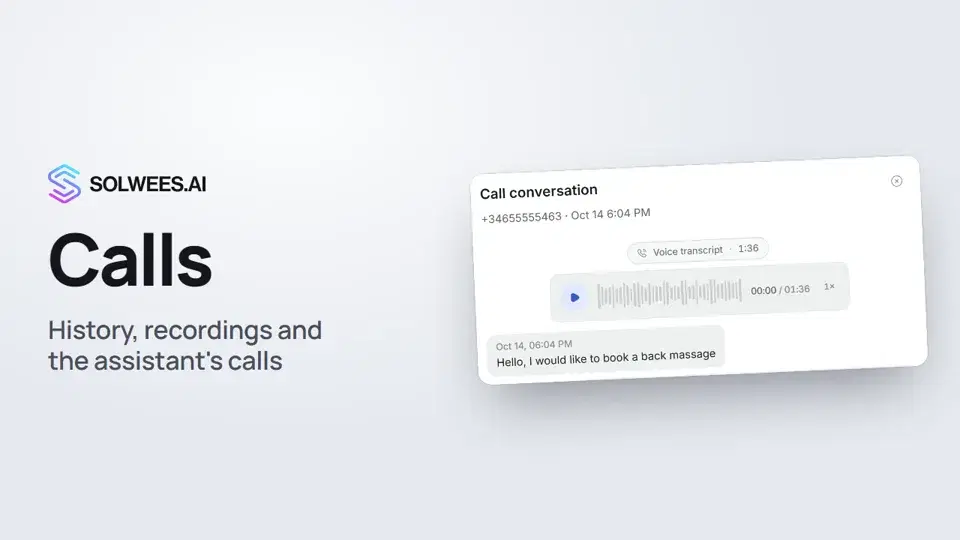 Calls: history, recordings, transcripts and the assistant's callsWhere to find every phone conversation of your AI receptionist in Solwees: call history, recordings, transcripts and scheduled calls with Call now and Cancel.1:11
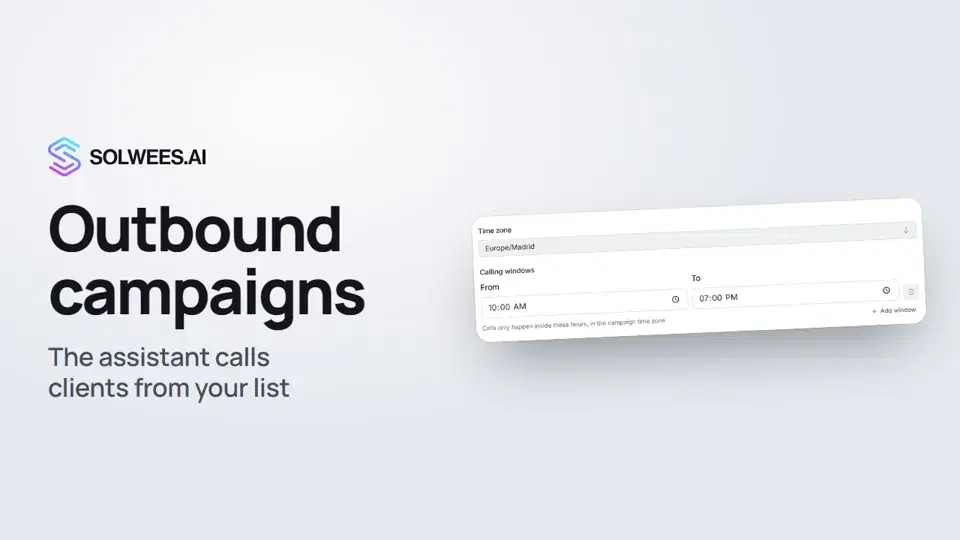 Outbound campaigns: the assistant calls clients from your listHow to run an outbound calling campaign in Solwees: upload a client file, set calling windows, pace and retries, pick a voice agent, then launch and pause it.1:43
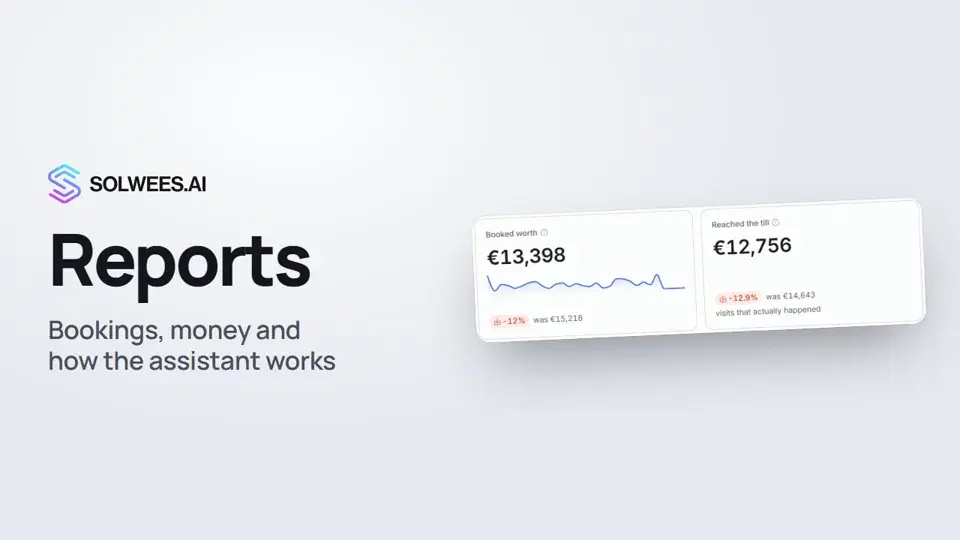 Reports: bookings, money and how the assistant worksHow to read reports in Solwees: bookings and revenue the service brought, the comparison with the previous period, how the figures are calculated, the report tabs, the period and the channel filter.1:38
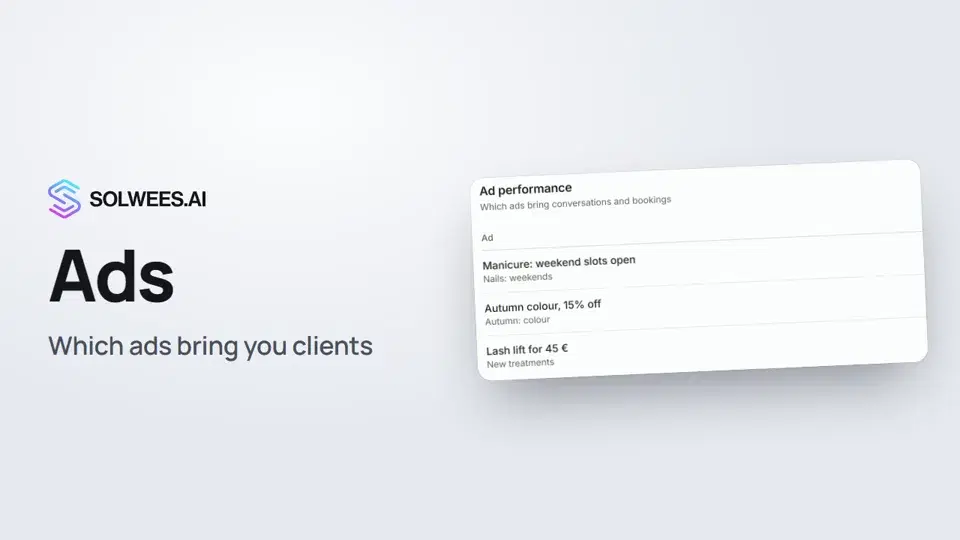 Ads: which ads bring you clientsHow to see in Solwees which Instagram, Facebook and WhatsApp ads bring you clients: the conversations, bookings and revenue from each ad, and where a chat shows which ad the client came from.1:14
Still need help?
Ask Sola in your dashboard
The assistant button in the corner of any dashboard page knows every setting and shows you where it is.
Open the dashboard