
Calls, reports and notifications
Call recordings and transcripts, reports, summaries and team notifications.
7 articles · 6 videos
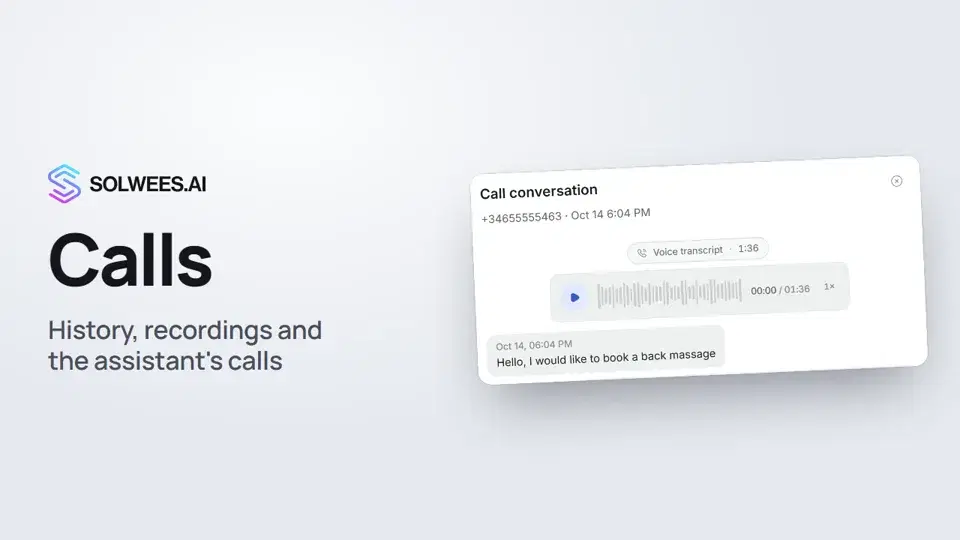 Calls: history, recordings, transcripts and the assistant's callsWhere to find every phone conversation of your AI receptionist in Solwees: call history, recordings, transcripts and scheduled calls with Call now and Cancel.1:11
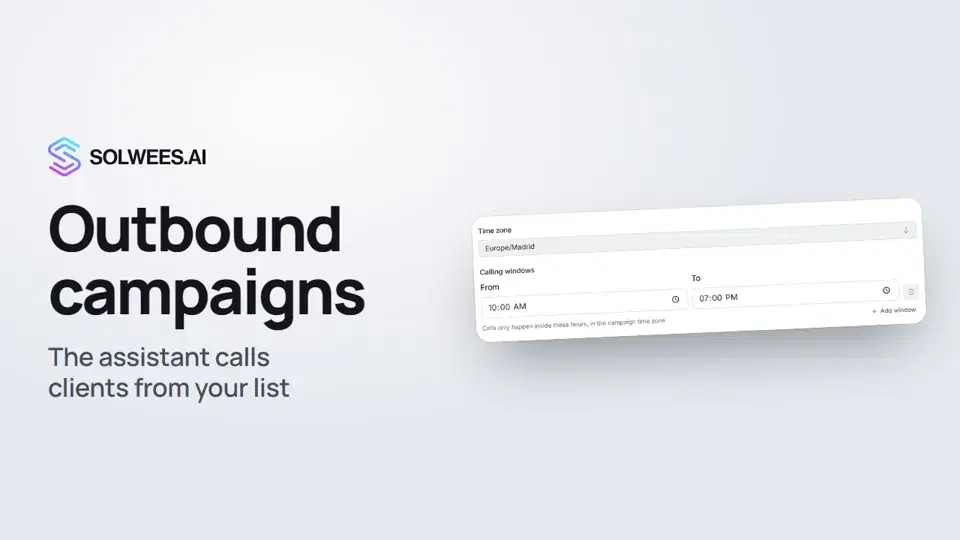 Outbound campaigns: the assistant calls clients from your listHow to run an outbound calling campaign in Solwees: upload a client file, set calling windows, pace and retries, pick a voice agent, then launch and pause it.1:43
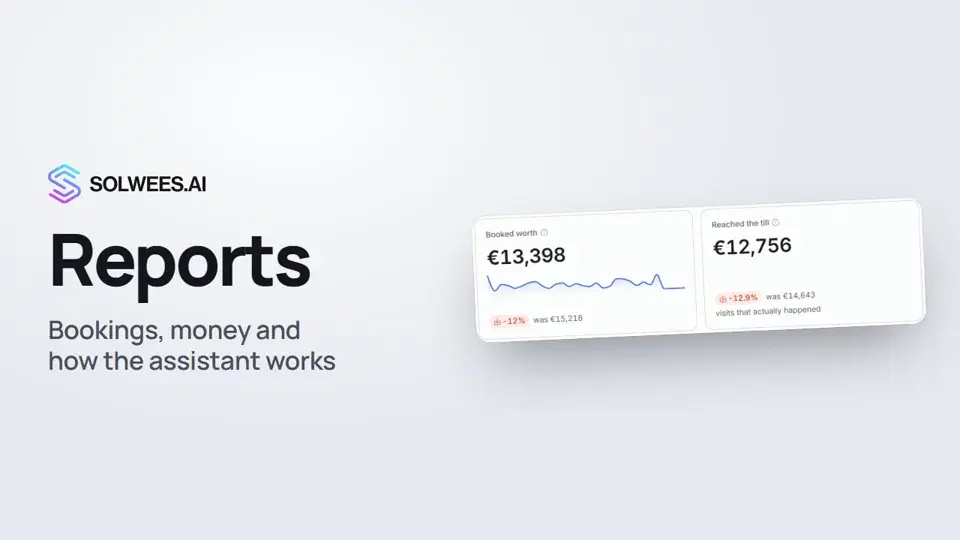 Reports: bookings, money and how the assistant worksHow to read reports in Solwees: bookings and revenue the service brought, the comparison with the previous period, how the figures are calculated, the report tabs, the period and the channel filter.1:38
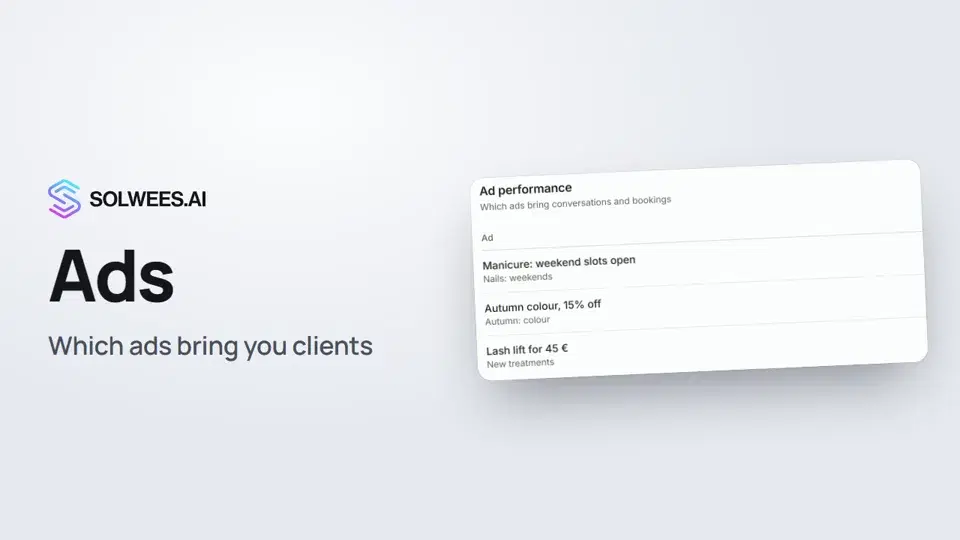 Ads: which ads bring you clientsHow to see in Solwees which Instagram, Facebook and WhatsApp ads bring you clients: the conversations, bookings and revenue from each ad, and where a chat shows which ad the client came from.1:14
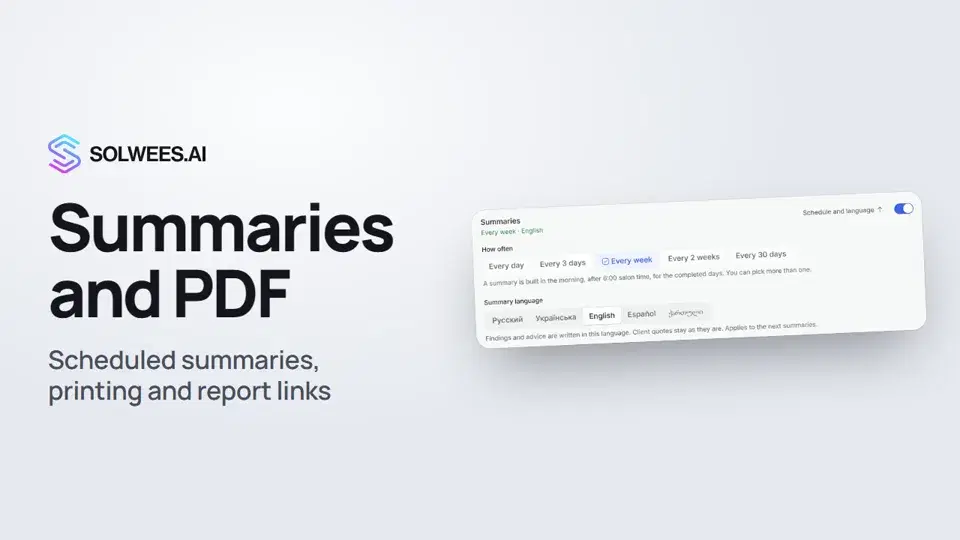 Conversation summaries, printing a report and a link to a report tabHow to get conversation summaries on a schedule in Solwees, pick their language, print a report or save it as a PDF, and send a colleague a link to the right report tab.1:08
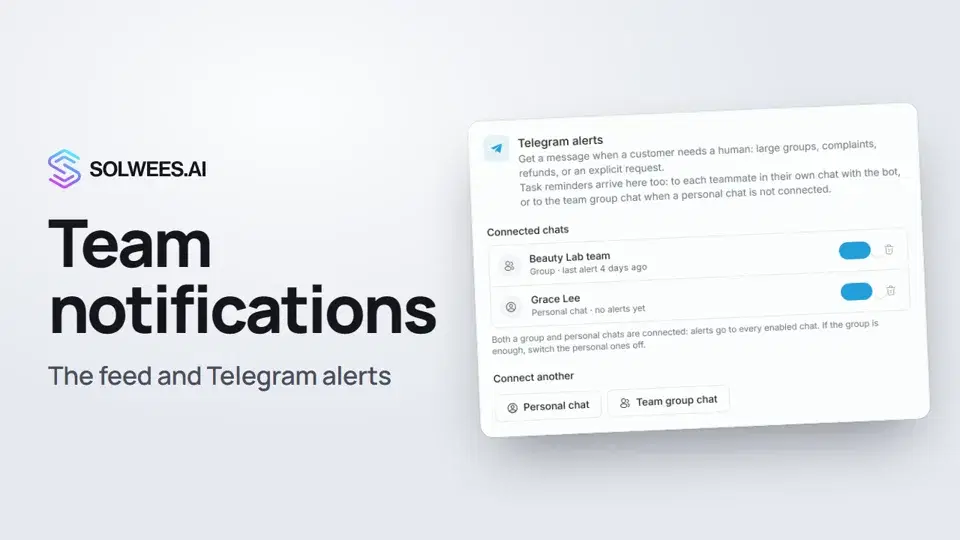 Team notifications: the feed and Telegram alertsWhere to see your team's notifications in Solwees and how to get Telegram alerts, in a personal chat or a team group, when a client needs a person.1:12
- When the assistant hands over to a personChoose the reasons for a handover, how your team is told, and what happens on a call.Text guide
Still need help?
Ask Sola in your dashboard
The assistant button in the corner of any dashboard page knows every setting and shows you where it is.
Open the dashboard