
Connect Altegio
IntegrationsUpdated 4 October 2026
Install Solwees from the Altegio Marketplace, or connect by hand, and set up how bookings look.
The simplest way: in Altegio open the Marketplace, find Solwees and install it. Altegio sends you to Solwees: choose «Use email from Altegio» or «Use a different email» and press «Continue». A workspace is created for each salon, and booking events are switched on.
You can also connect by hand in AI Assistant > App Directory > Altegio > «Connection» with the partner token and the salon ID. With this way booking events from Altegio don’t come to Solwees, so messages about bookings your staff make are not sent.
After connecting, the «Settings» tab («CRM Settings») appears: booking colours for new clients, same-day bookings and service categories, the cancellation strategy (delete, or keep in a colour), services and masters that go to a manager, extra time for «+++» clients, and Altegio prepayments on or off.
Check that Altegio is linked to your assistant: booking works through the assistant. Services closed to online booking in Altegio are not booked by the assistant, but it can still answer about them.
Did this answer your question?
More in this topic
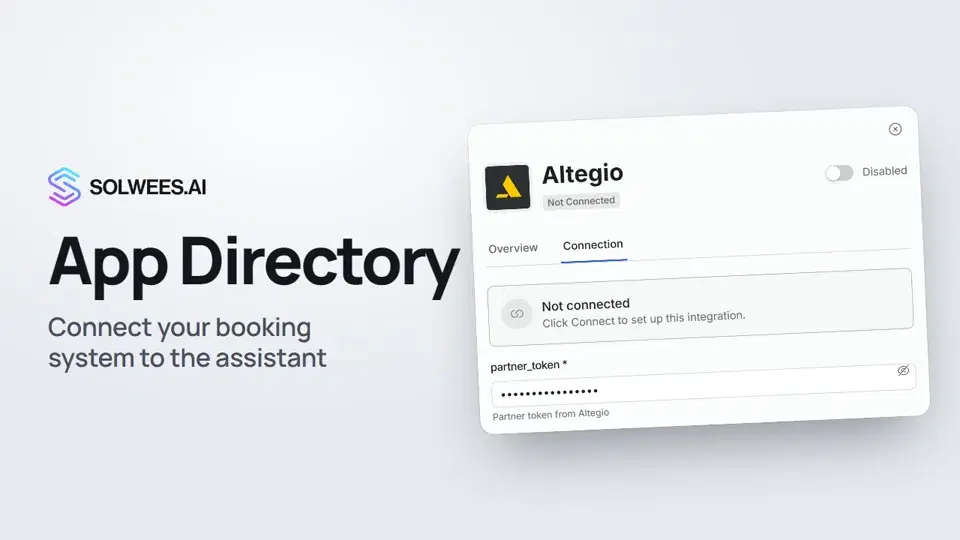 App Directory: connect your booking system, CRM and paymentsWhere to find the App Directory in Solwees and how to connect a booking system, CRM or payments to your AI receptionist: tabs, search, the integration card and the Connect button.1:06
 Bitrix24: client conversations in your Open LinesHow to connect your Bitrix24 portal to Solwees so the AI receptionist's conversations with clients go to your Open Lines: the portal address, confirming access on the portal, the agent's line and the No agent tab.1:03
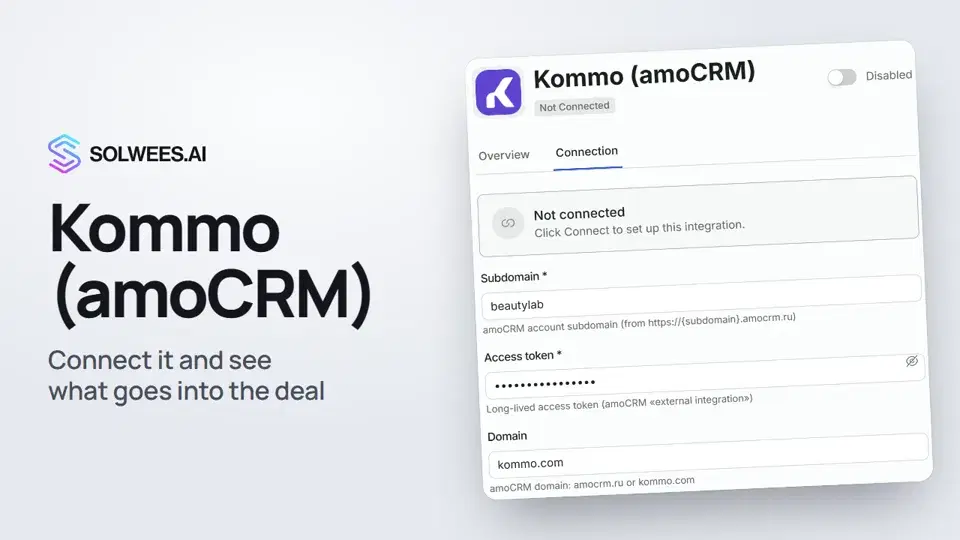 Kommo (amoCRM): how to connect it and what goes into the dealHow to connect Kommo (amoCRM) to your Solwees AI assistant: subdomain, long-lived token and domain, what the assistant sends into the deal and which assistant role it takes.1:19
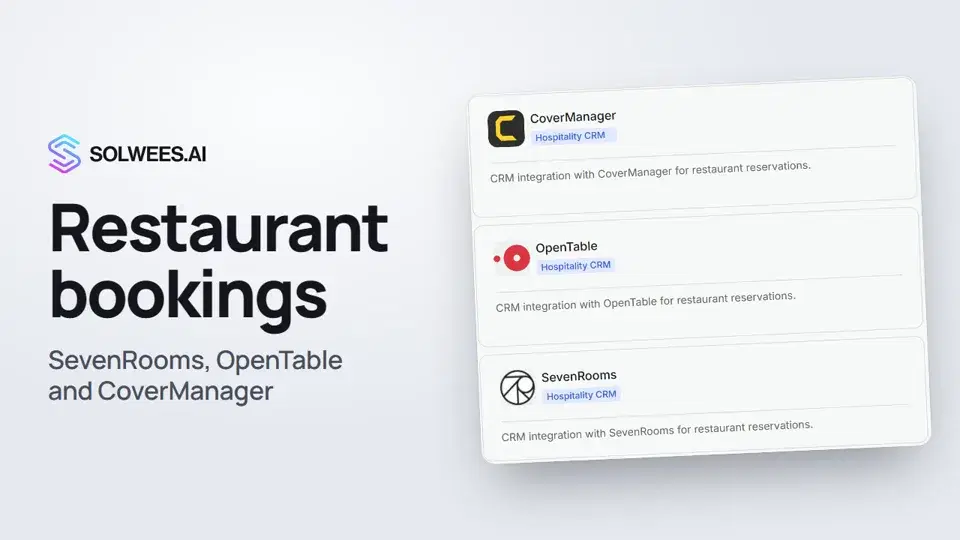 Restaurant bookings: connecting SevenRooms, OpenTable and CoverManagerHow to connect your restaurant booking system to the Solwees AI receptionist: SevenRooms and CoverManager connect in the App Directory, OpenTable is switched on by support. Once connected, the assistant checks for free tables and books right in your system.1:21
Still need help?
Ask Sola in your dashboard
The assistant button in the corner of any dashboard page knows every setting and shows you where it is.
Open the dashboard