
Integrations
Booking systems, CRMs, payments and calendars that Solwees connects to.
12 articles · 6 videos
 App Directory: connect your booking system, CRM and paymentsWhere to find the App Directory in Solwees and how to connect a booking system, CRM or payments to your AI receptionist: tabs, search, the integration card and the Connect button.1:06
 Bitrix24: client conversations in your Open LinesHow to connect your Bitrix24 portal to Solwees so the AI receptionist's conversations with clients go to your Open Lines: the portal address, confirming access on the portal, the agent's line and the No agent tab.1:03
 Kommo (amoCRM): how to connect it and what goes into the dealHow to connect Kommo (amoCRM) to your Solwees AI assistant: subdomain, long-lived token and domain, what the assistant sends into the deal and which assistant role it takes.1:19
 Restaurant bookings: connecting SevenRooms, OpenTable and CoverManagerHow to connect your restaurant booking system to the Solwees AI receptionist: SevenRooms and CoverManager connect in the App Directory, OpenTable is switched on by support. Once connected, the assistant checks for free tables and books right in your system.1:21
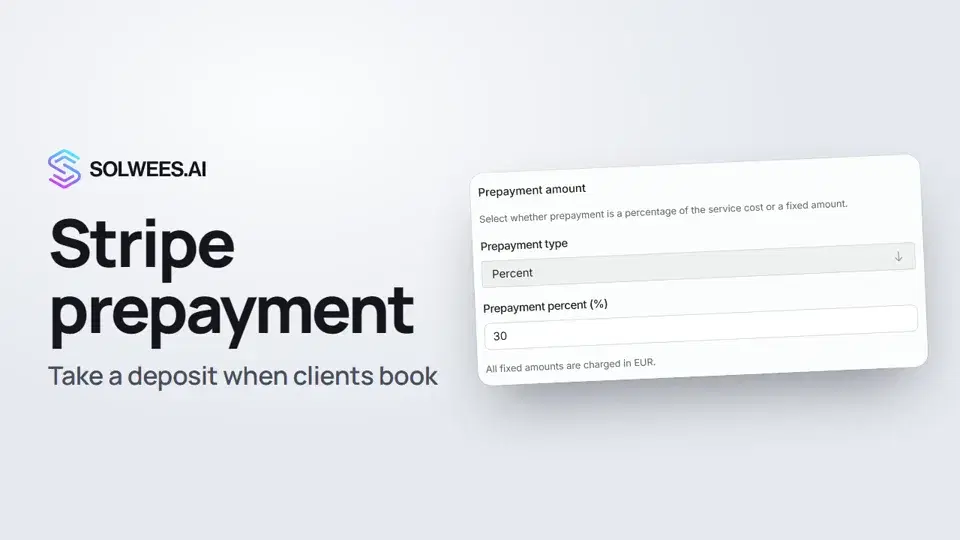 Stripe prepayment: take a deposit when clients bookHow to connect Stripe to Solwees and set up prepayment: the AI receptionist names the deposit before booking and sends the client a payment link, and you get notified once it's paid.1:28
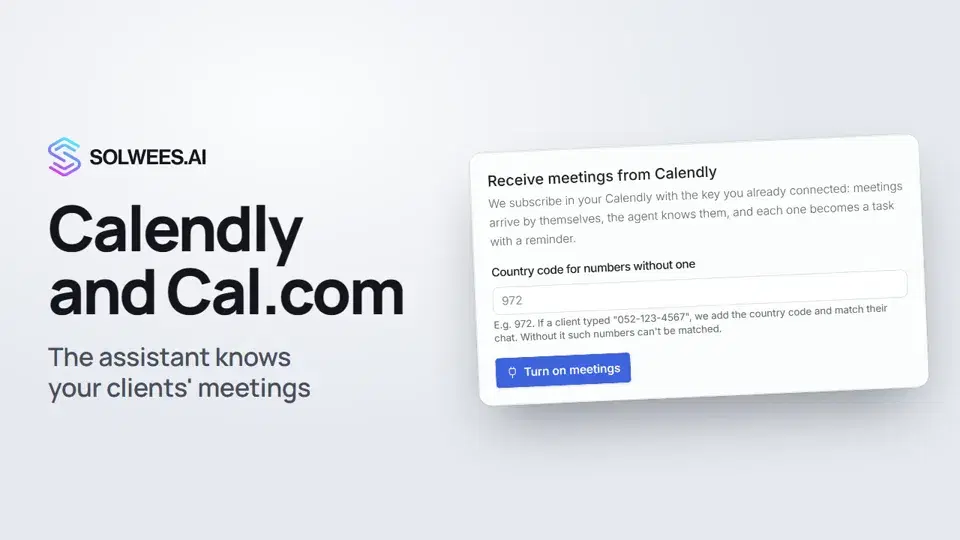 Calendly and Cal.com: the assistant knows your clients' meetingsHow to connect Calendly or Cal.com to Solwees: the assistant learns your clients' meetings and tells them when the meeting is and where the link is, and every meeting becomes a task with a reminder.1:04
- Connect AltegioInstall Solwees from the Altegio Marketplace, or connect by hand, and set up how bookings look.Text guide
- Booksy integrationBooksy is connected by our team, without an API key from you. Here is what we need and what the assistant does there.Text guide
- Fresha integrationFresha is connected by our team, without an API key from you. Here is what the assistant does there.Text guide
- Connect MozrestBook into your restaurant reservation platform through Mozrest.Text guide
- Connect your booking systemSolwees books straight into the booking system you already use. Here is how to connect it.Text guide
- Request an integrationYour booking system or CRM isn't in the App Directory? Here is what to send us.Text guide
Still need help?
Ask Sola in your dashboard
The assistant button in the corner of any dashboard page knows every setting and shows you where it is.
Open the dashboard