
Connect Mozrest
IntegrationsUpdated 4 October 2026
Book into your restaurant reservation platform through Mozrest.
Mozrest links booking channels to restaurant reservation platforms. In AI Assistant > App Directory > Mozrest > «Connection», paste your Mozrest API token. The venue ID is optional: with one venue it is found by itself.
The assistant checks availability by area and party size, books in two steps (the table is held, then confirmed) and passes the guest’s language, so your platform’s emails go out in it.
A change needs both the new time and the party size. The waiting list is not supported by the Mozrest API, and tables are not chosen through it.
Deposits go through Stripe.
Did this answer your question?
More in this topic
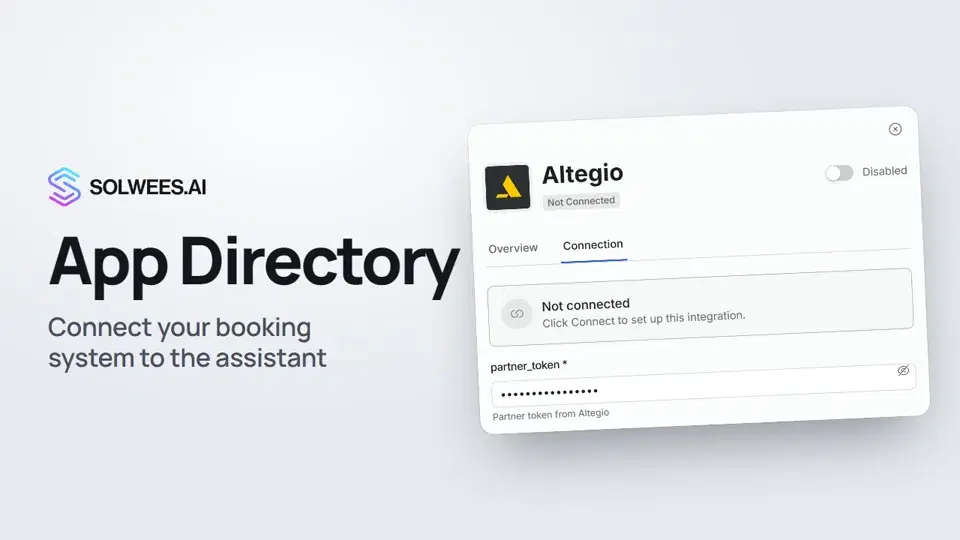 App Directory: connect your booking system, CRM and paymentsWhere to find the App Directory in Solwees and how to connect a booking system, CRM or payments to your AI receptionist: tabs, search, the integration card and the Connect button.1:06
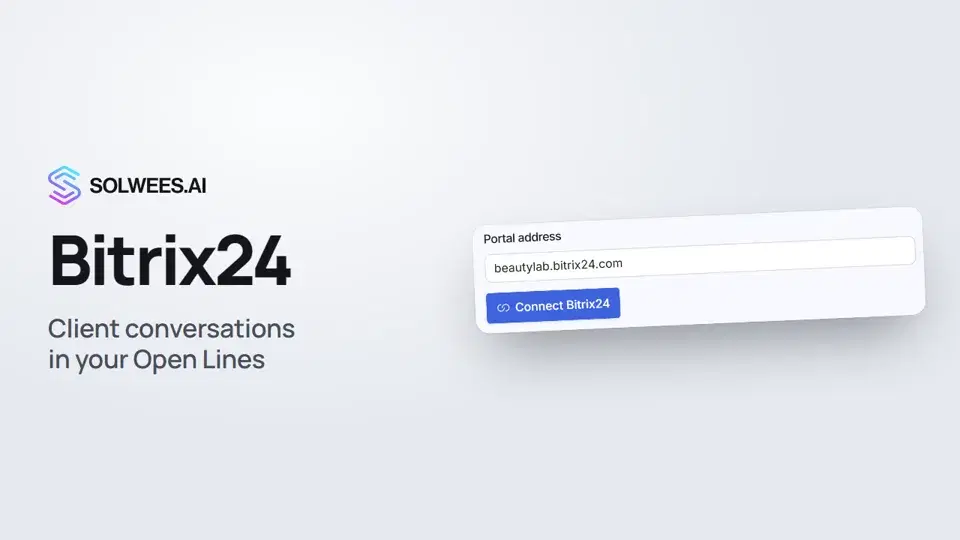 Bitrix24: client conversations in your Open LinesHow to connect your Bitrix24 portal to Solwees so the AI receptionist's conversations with clients go to your Open Lines: the portal address, confirming access on the portal, the agent's line and the No agent tab.1:03
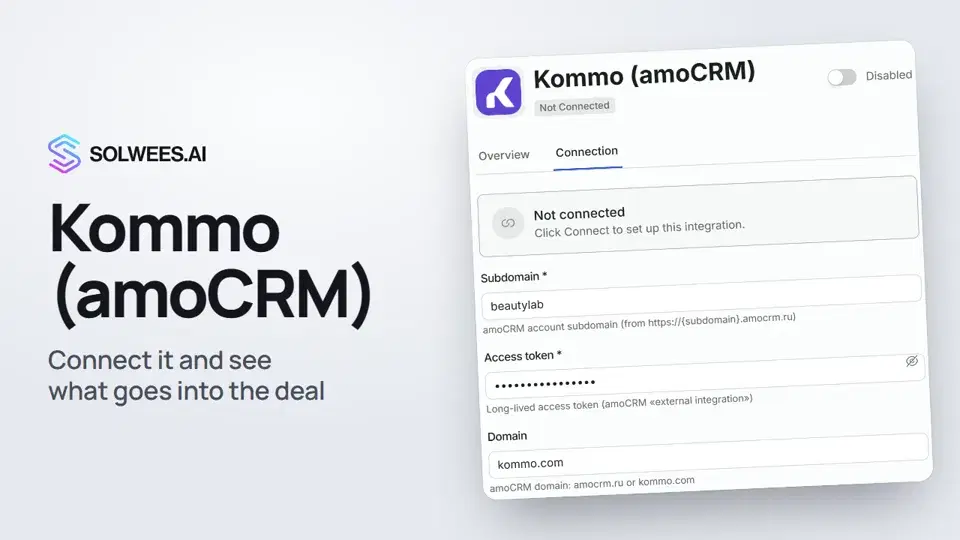 Kommo (amoCRM): how to connect it and what goes into the dealHow to connect Kommo (amoCRM) to your Solwees AI assistant: subdomain, long-lived token and domain, what the assistant sends into the deal and which assistant role it takes.1:19
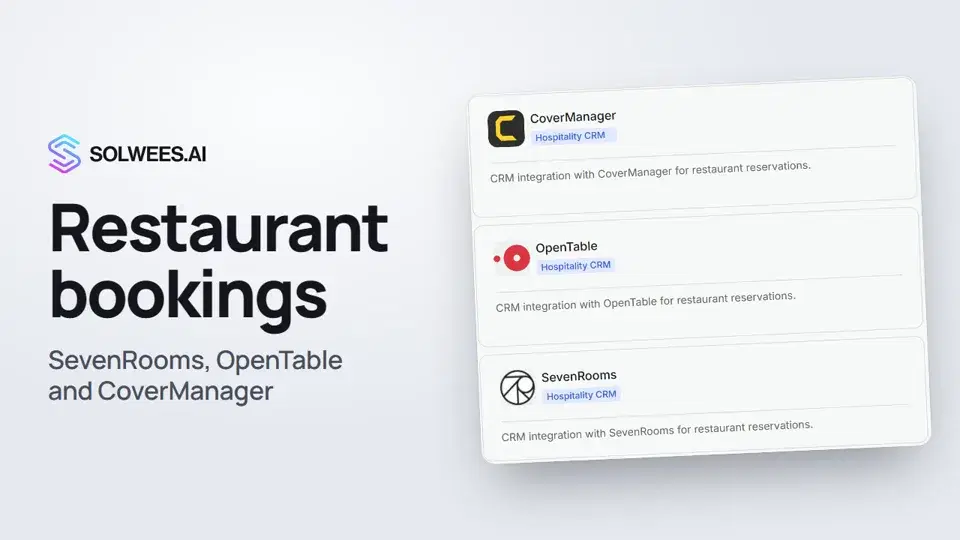 Restaurant bookings: connecting SevenRooms, OpenTable and CoverManagerHow to connect your restaurant booking system to the Solwees AI receptionist: SevenRooms and CoverManager connect in the App Directory, OpenTable is switched on by support. Once connected, the assistant checks for free tables and books right in your system.1:21
Still need help?
Ask Sola in your dashboard
The assistant button in the corner of any dashboard page knows every setting and shows you where it is.
Open the dashboard