
Anti-ban protection: how Solwees keeps your WhatsApp number safe
Marketing and promotionsUpdated 21 October 2026Video 1:01With the Campaigns module
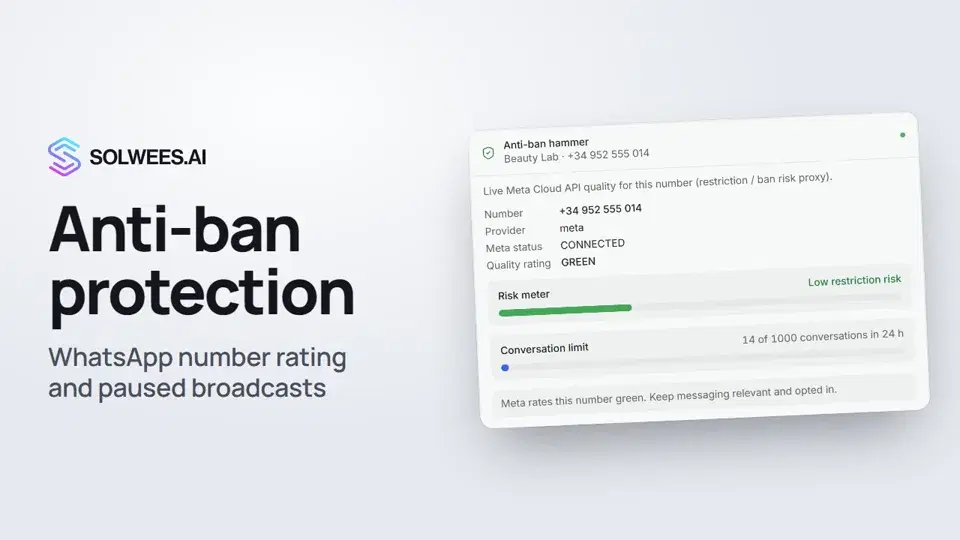
Meta rates every WhatsApp Business number: when clients report or block your messages, the rating drops, and sending limits are cut after it. Anti-ban protection watches that rating and pauses broadcasts by itself when it drops, so you don’t lose the number.
Where to find it
Open Marketing and scroll the right column to the end: the card at the bottom is called Anti-ban hammer. The card shows up once WhatsApp is connected to your workspace.
What the card shows
| Row | What it means |
|---|---|
| Number | The WhatsApp number the protection watches |
| Meta status | Whether the number is connected on Meta’s side (CONNECTED means all is well) |
| Quality rating | Meta’s rating: GREEN, YELLOW or RED |
| Risk meter | Restriction risk: low, elevated or high |
| Conversation limit | How many conversations the number can start per day under Meta’s limit, and how many it has started |
| Hint at the bottom | What to do at the current rating |
The conversation limit is shown for numbers connected through Meta, once Meta has reported the number’s limit.
What the protection does
- It refreshes the rating by itself. Solwees checks it with Meta every two hours, and Meta reports a drop to red or an account ban right away.
- Yellow rating: broadcasts pause. Manual broadcasts and auto campaign messages (reminders, booking confirmations, win-back and others) are not sent from this number. Replies to clients who wrote first keep going out. A yellow banner “Campaigns are paused” appears in the card.
- Red rating: sending stops. Nothing leaves the number, assistant replies included, until the quality recovers. A red banner appears in the card.
- Back to green: the limits lift by themselves.
Some limits work at any rating:
- Send template sends messages one by one, with a one-second pause between them.
- By default, auto campaigns send no more than 3 messages to one client and no more than 100 messages from your workspace per hour. Extra messages are moved 15 minutes later.
A number connected by QR code has no Meta rating: the card shows the session status instead. The rating pauses do not apply to it, so keep broadcasts from such a number small.
The assistant’s WhatsApp tools
Higher up on the same page, under Agent on WhatsApp, there is the AI agent WhatsApp tools card. Here you let the assistant send a client a Google Maps pin on WhatsApp when the client asks how to get there. It works in chats and in calls.
- Open the AI agent WhatsApp tools card.
- Turn on Send Google Maps location.
- For a number connected through Meta, choose an approved template. If there is none, click New template: it goes to Meta for review. For a QR number a template is optional.
- Click Save settings.
The link itself comes from your business profile: AI Agent → Business Profile, the Location & directions card, the Location link field (the Share link from Google Maps). Without it, the pin is not sent.
Restaurants also get Send restaurant menu (PDF) here: the assistant sends the menu uploaded in the profile, in the language of the conversation.
Tips
- If the rating turns yellow, send fewer broadcasts, and only to clients who agreed to receive them. Reports and blocks from clients are what lower the rating.
- The tools card says “On” as soon as the switch is on. For a number connected through Meta, check that an approved template is chosen: without it the pin is not sent.
- At a red rating, stop broadcasts and look into the reasons in Meta Business Suite.
FAQ
Do replies to clients stop too at a yellow rating?
No. At a yellow rating only broadcasts and auto campaign messages wait. Replies to clients’ messages go out as usual.
How fast does the card notice a change?
Meta reports a drop to red and an account ban right away. Everything else Solwees checks with Meta every two hours.
Why is there no conversation limit?
The limit is shown only for numbers connected through Meta, and only after Meta has reported it. For a new number this can take a while.
My number is connected by QR code. Does the protection work?
Such a number has no Meta rating, so the card shows only the session status. If the session is disconnected, reconnect the number by QR code.
Video transcript
Everything the narrator says. A time code plays the video from that moment.
What anti-ban protection is and where to find it
Anti-ban protection tracks the quality rating Meta gives your WhatsApp number, and stops broadcasts by itself if the rating drops. Open Marketing: the card is at the very bottom of the right column.
Rating, risk, limit and the yellow rating
Here you see the quality rating, the restriction risk and the limit: how many conversations the number can start per day. If the rating turns yellow, broadcasts pause, while replies to clients keep going out. Tip: when that happens, send fewer broadcasts, and only to clients who agreed to receive them.
The assistant's WhatsApp tools
Higher up, in the WhatsApp tools card, you can let the assistant send clients a Google Maps pin. For a number connected through Meta, choose an approved template and save. The map link comes from your business profile. Done. Next: services and promotions the assistant offers clients.
Did this answer your question?
More in this topic
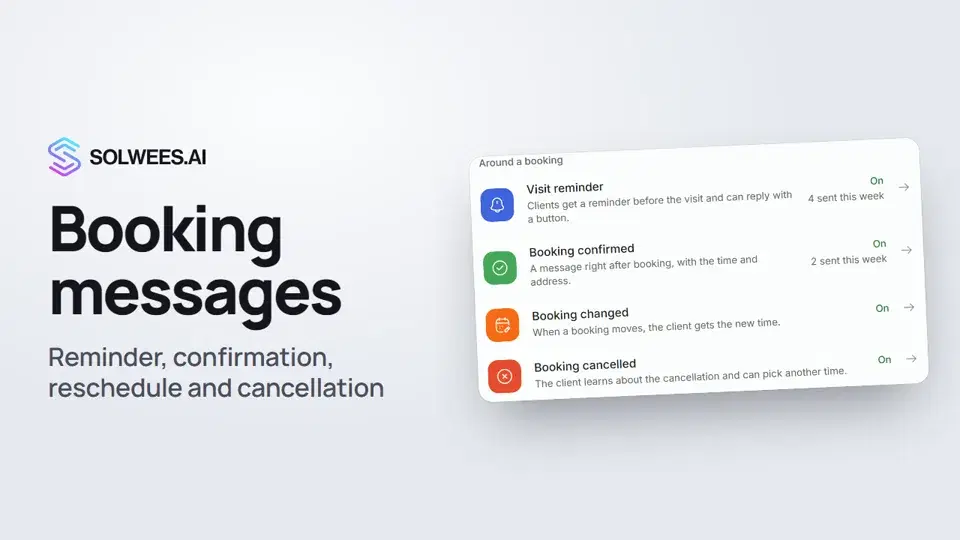 Booking messages: reminder, confirmation, reschedule and cancellationHow to turn on automatic booking messages in Solwees: the visit reminder, booking confirmed, changed and cancelled, and where they are sent.1:27
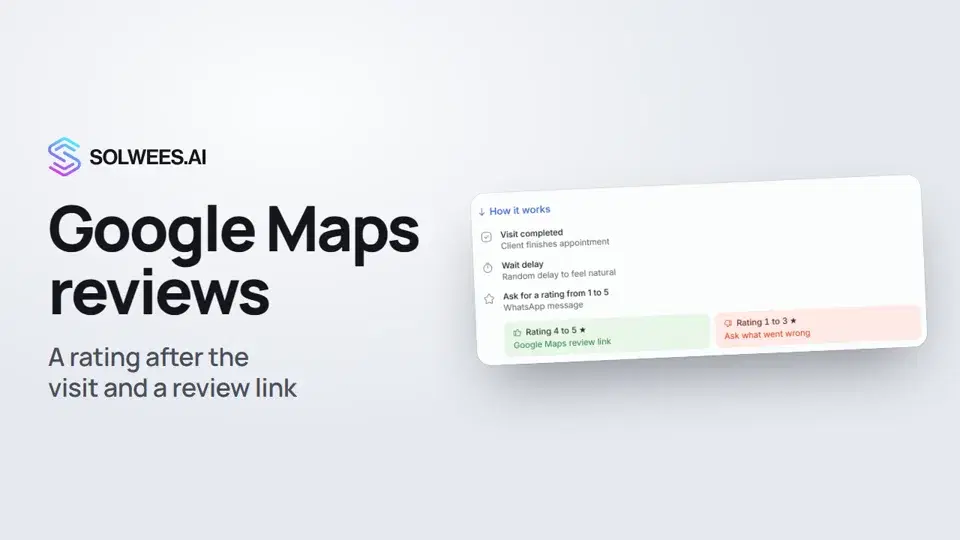 Google Maps reviews: a rating after the visit and a review linkHow to set up the after-visit rating request in Solwees: happy clients get a link to review you on Google Maps, unhappy ones are asked what went wrong.0:54
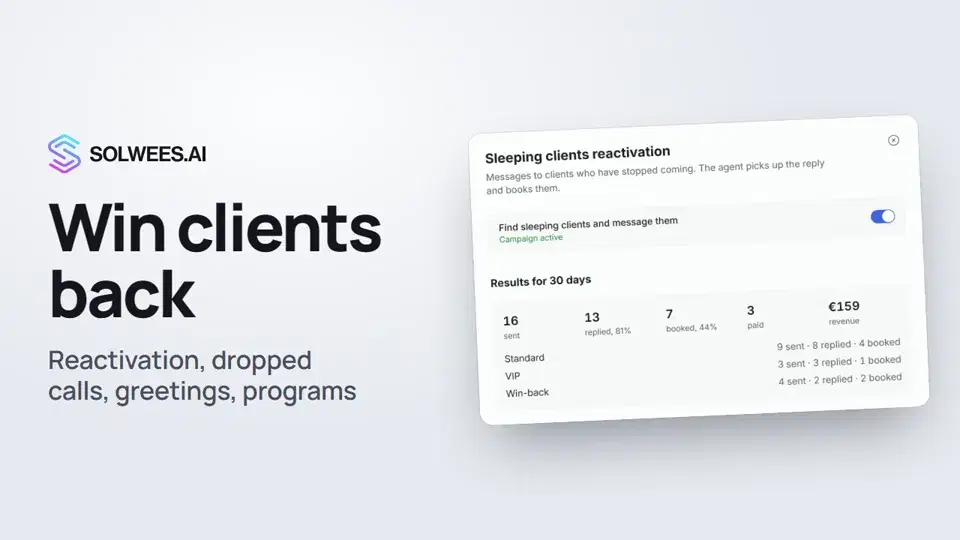 Winning clients back: reactivation, call follow-up, greetings and programsHow to win clients back with Solwees: sleeping clients reactivation, a follow-up after a dropped call, birthday and holiday greetings, and retention programs after a visit.1:36
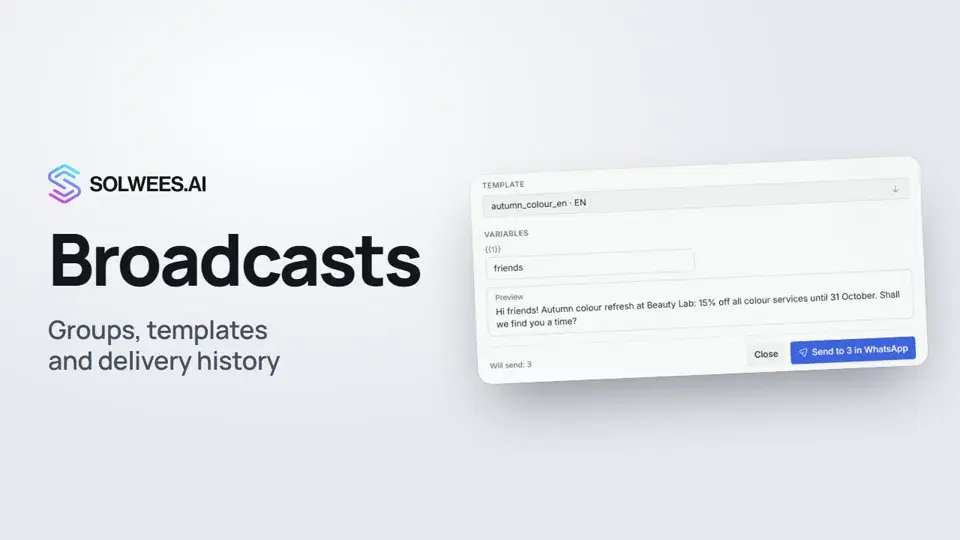 Broadcasts: how to message clients in WhatsApp and TelegramHow to send a broadcast to clients in Solwees: build a client group, pick a WhatsApp template or write in Telegram, check who got the message and see the analytics.1:26
Still need help?
Ask Sola in your dashboard
The assistant button in the corner of any dashboard page knows every setting and shows you where it is.
Open the dashboard