
Delete client data
Security and dataUpdated 4 October 2026
How to remove a client, handle a deletion request and close your workspace.
To remove a client from your lists, archive them in Contacts. To delete a client’s data completely, write to support@solwees.ai with the contact, and we delete it for you.
If a client asks you to delete their data, you as the business decide on the request; we carry out the deletion on your instruction.
To close a workspace, write to support@solwees.ai. Deletion is done by our team. Under the Data Processing Addendum, data is deleted from live systems within 60 days after the end of the service, and from backups within 60 days after that.
Invoices and records we must keep by law are kept for the time the law requires.
Did this answer your question?
More in this topic
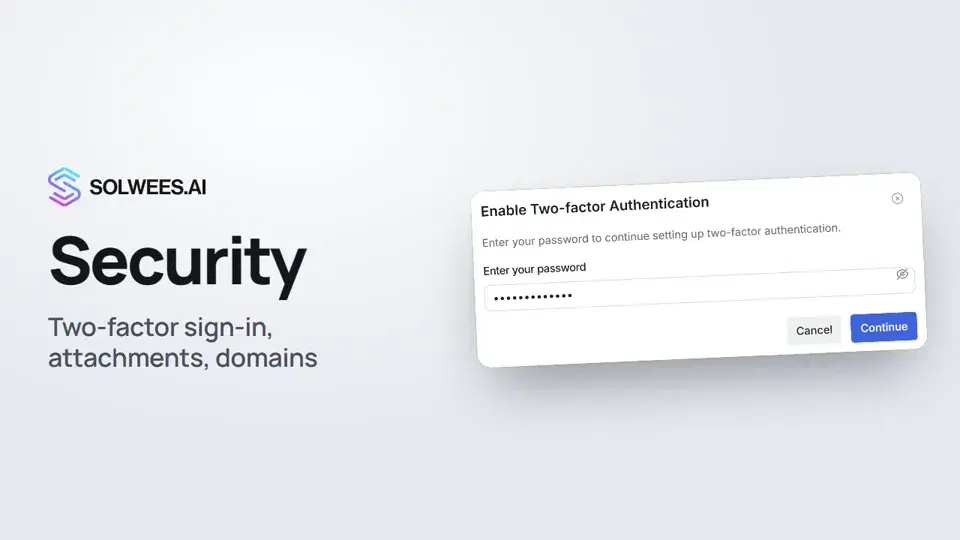 Security: two-factor authentication, attachments and allowed domainsHow to protect your Solwees account with two-factor authentication, choose which files clients can send in your website chat, and limit the chat to your own website's domains.1:03GDPRWho we are under GDPR, where data is stored and how requests from your clients are handled.Text guideSOC 2 and ISO 27001Where our security audits stand and how to get details.Text guideSubprocessorsWhere the list of subprocessors is and how changes are announced.Text guide
Still need help?
Ask Sola in your dashboard
The assistant button in the corner of any dashboard page knows every setting and shows you where it is.
Open the dashboard