
Cancel your subscription
Team, settings and billingUpdated 4 October 2026
How to cancel, what happens to your data, and when a payment can be refunded.
Go to Settings > Billing > «Payment details» and press «Cancel subscription», then confirm in «Cancel subscription?». The cancellation takes effect at the end of the paid period, and the screen shows «Cancellation scheduled for» the date. You keep full access until then. A subscription with unpaid invoices can’t be cancelled until they are paid.
When the subscription ends, the assistant stops. Under our Service Agreement your data is kept for 60 days after the end, and an export of up to 5 GB is free during that time.
Payments are not refunded, except for a confirmed double charge, a service outage longer than 24 hours, or where the law requires it. A client pack you turn off is not refunded; its clients stay available until the end of the paid period.
Moving to a lower plan starts a new billing cycle at once. Questions about a specific bill: support@solwees.ai. The full terms are in the Privacy Policy and Service Agreement on our website.
Did this answer your question?
More in this topic
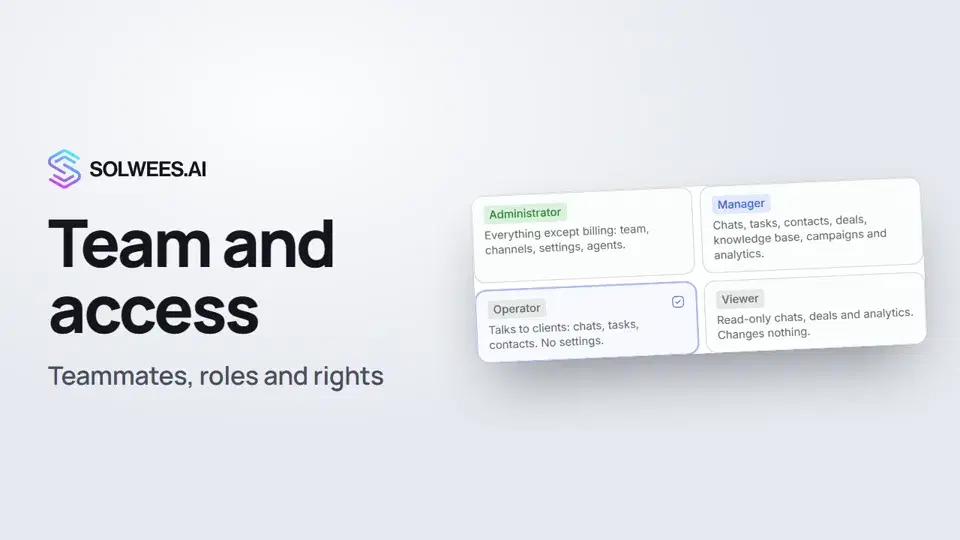 Team and access: add teammates and choose what they can doHow to add a teammate in Solwees, give them a role (administrator, manager, operator or viewer) and limit their access by section and pipeline.1:19
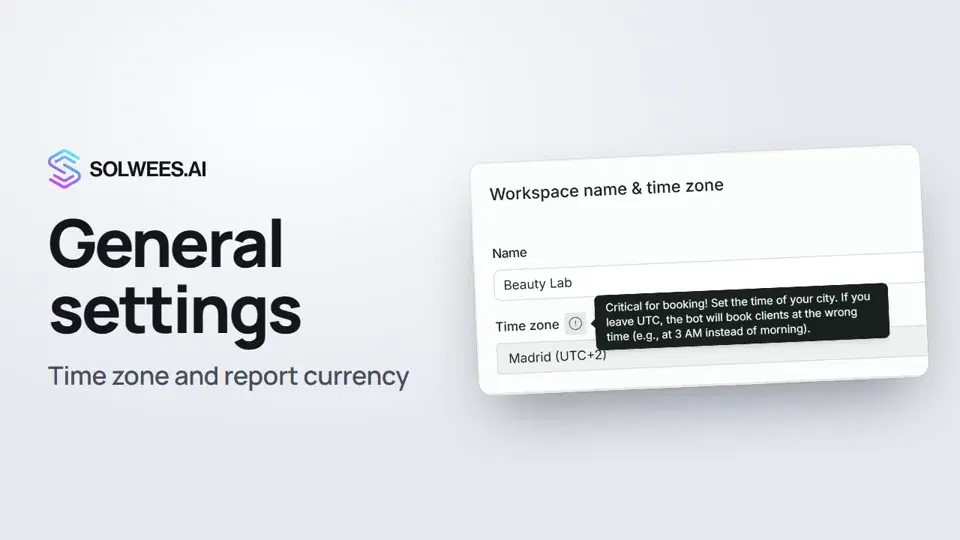 General settings: workspace name, time zone and report currencyWhere to set your workspace name, time zone, report currency and admin hourly rate in Solwees, and what they affect: booking times, the agent's schedule and the amounts in reports.1:02
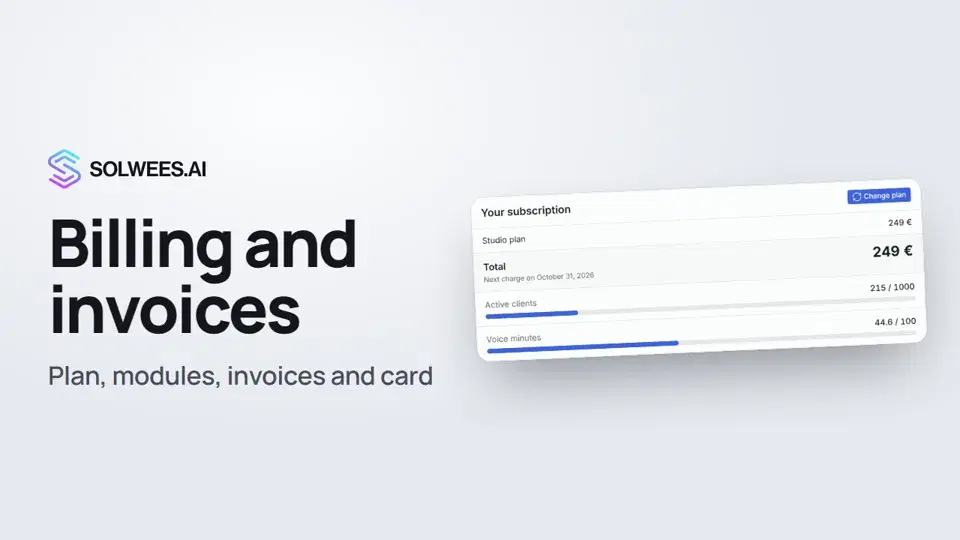 Billing and invoices: your plan, modules, invoices and cancellingWhere to see your Solwees plan and limits, change plan, add modules, buy a voice minutes pack, download invoices and cancel your subscription.1:28Active clientsWho counts as an active client, what happens at the limit, and the client packs.Text guide
Still need help?
Ask Sola in your dashboard
The assistant button in the corner of any dashboard page knows every setting and shows you where it is.
Open the dashboard