
Connect Instagram, Telegram and your other channels
ChannelsUpdated 4 October 2026
Where each channel is connected and what to know about it.
Instagram: Settings > Channels > Instagram. Connect «Instagram directly» or «Via Facebook», and choose whether the assistant answers story replies and comments. Instagram lets the assistant reply within 24 hours of the client’s last message, and your team within 7 days.
Telegram: Settings > Channels > Telegram. «Platform bot» connects your own Telegram account through Telegram Business. «Your own bot» uses a bot you create in @BotFather: paste its token; it also works through Telegram Business. Both need Telegram Premium.
Facebook Messenger: sign in with Meta and choose your Page.
Website chat: Settings > Channels > Messenger. Set the logo, colour and name, then copy the install code into your website.
Phone (on Solo with a call minute pack, included from Studio): Settings > Channels > Phone. Buy a number (some countries ask for documents), forward calls from your current number and make a test call.
Viber links your own number by QR code: in Viber open More > Desktop and Tablets > Link a device. Text messages only. Viber is €25 a month.
Did this answer your question?
More in this topic
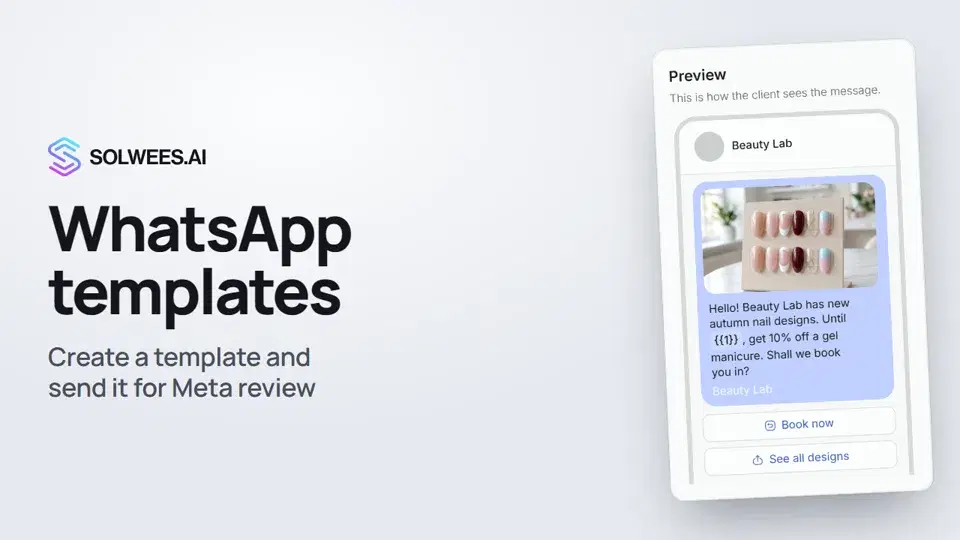 WhatsApp templates: messages approved by MetaHow to create a WhatsApp template in Solwees and send it for Meta review: category, language, image, variables in the text and buttons. You need a template to message a client who hasn't written to you for more than 24 hours.1:30
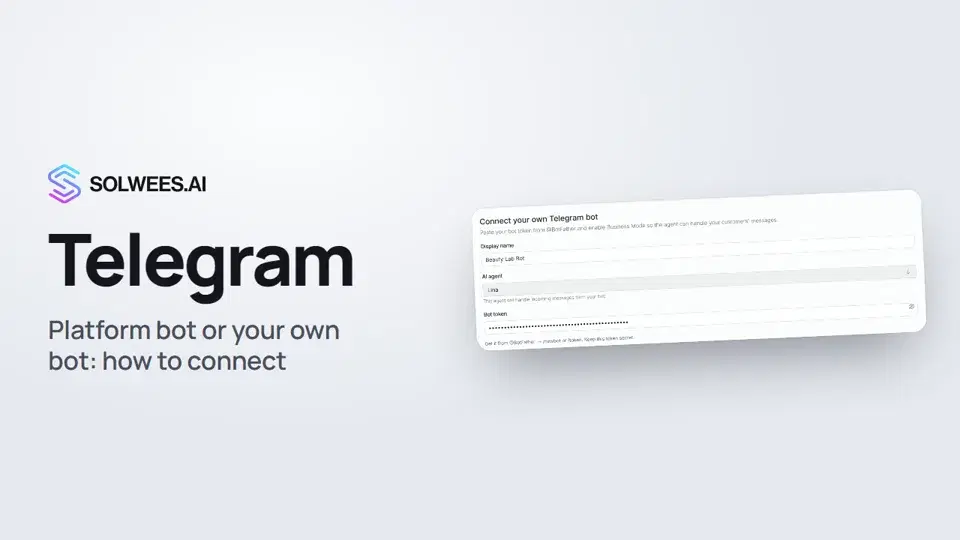 Telegram: how to connect the assistantHow to connect Telegram to Solwees so the AI assistant replies to your clients: through the platform bot and Telegram Business, or through your own bot with a token from BotFather.1:31
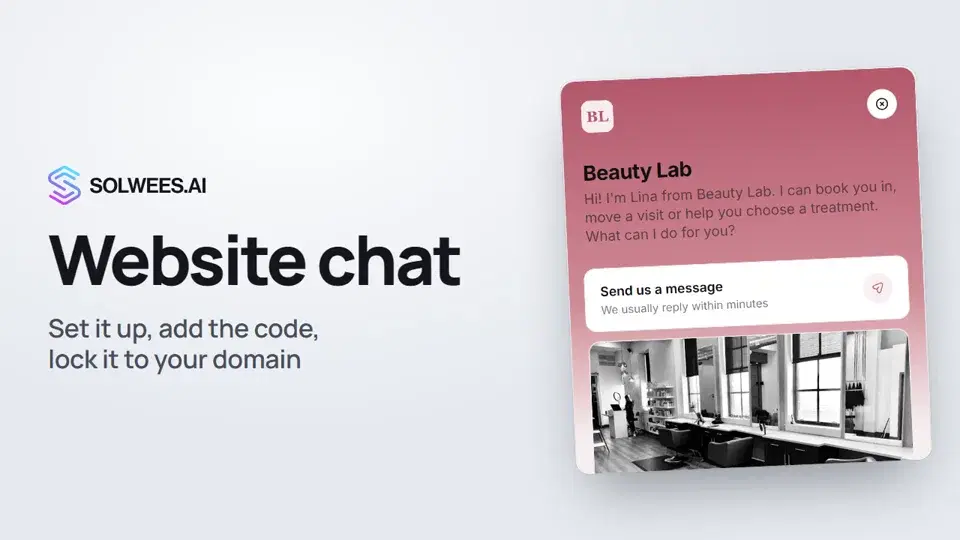 Website chat: how to set it up and install itHow to add the Solwees chat to your website: languages, visitor contact, welcome message, appearance, chat button, the install code and allowed domains. Visitors write in the chat and the AI assistant replies right away.1:52
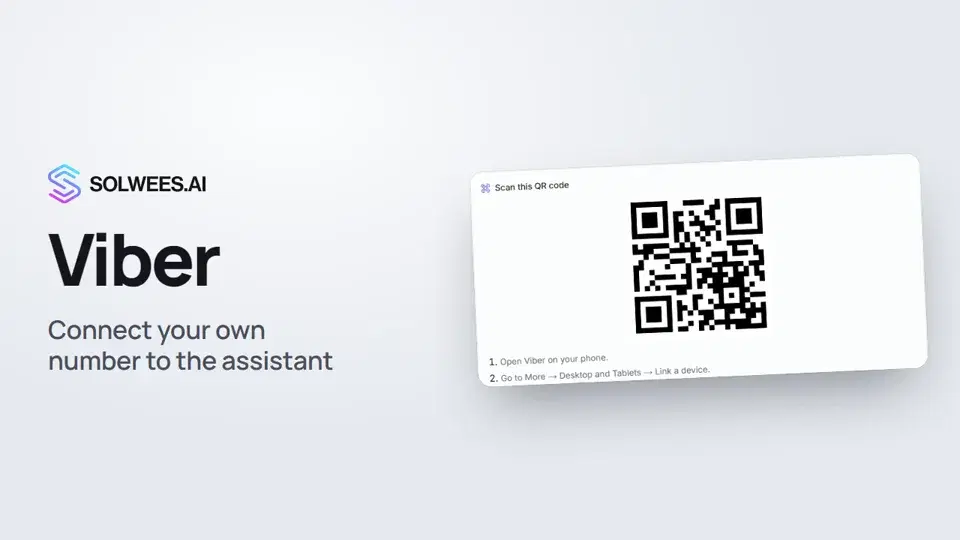 Viber: how to connect your own number to the assistantHow to connect Viber to Solwees so the AI assistant replies to your clients: paying for the channel, display name and AI agent, Connect number and linking with a QR code in Viber.1:11
Still need help?
Ask Sola in your dashboard
The assistant button in the corner of any dashboard page knows every setting and shows you where it is.
Open the dashboard