
Connect WhatsApp
ChannelsUpdated 4 October 2026
Two ways to connect your number, and what each one means for your team.
Open Settings > Channels > WhatsApp and press «Connect WhatsApp». There are two ways, on two tabs.
«OAuth Connection» moves your number to the WhatsApp Business Platform. The number then works through Solwees and no longer in the WhatsApp Business app.
«Coexistence» keeps the number in your WhatsApp Business app. The assistant answers, steps back when your staff reply from the app, and up to 180 days of history can be imported.
Messages the business starts after 24 hours of silence, such as reminders and broadcasts, need templates approved by Meta. Solwees creates them in your WhatsApp Business account from your texts in Marketing.
Did this answer your question?
More in this topic
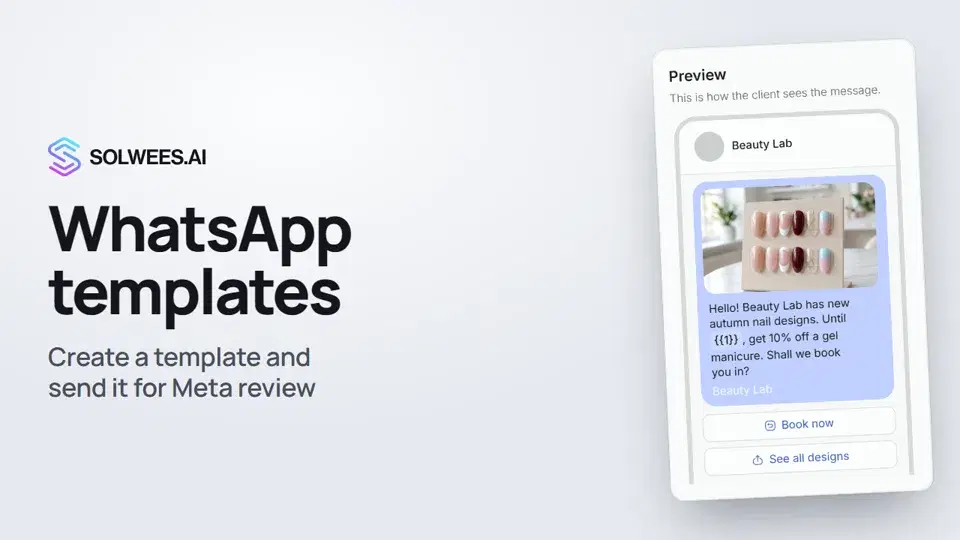 WhatsApp templates: messages approved by MetaHow to create a WhatsApp template in Solwees and send it for Meta review: category, language, image, variables in the text and buttons. You need a template to message a client who hasn't written to you for more than 24 hours.1:30
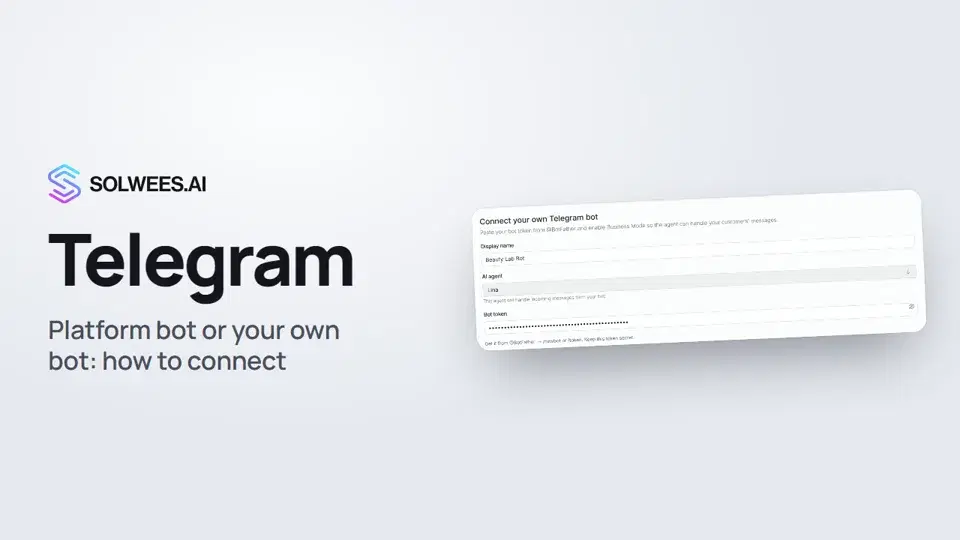 Telegram: how to connect the assistantHow to connect Telegram to Solwees so the AI assistant replies to your clients: through the platform bot and Telegram Business, or through your own bot with a token from BotFather.1:31
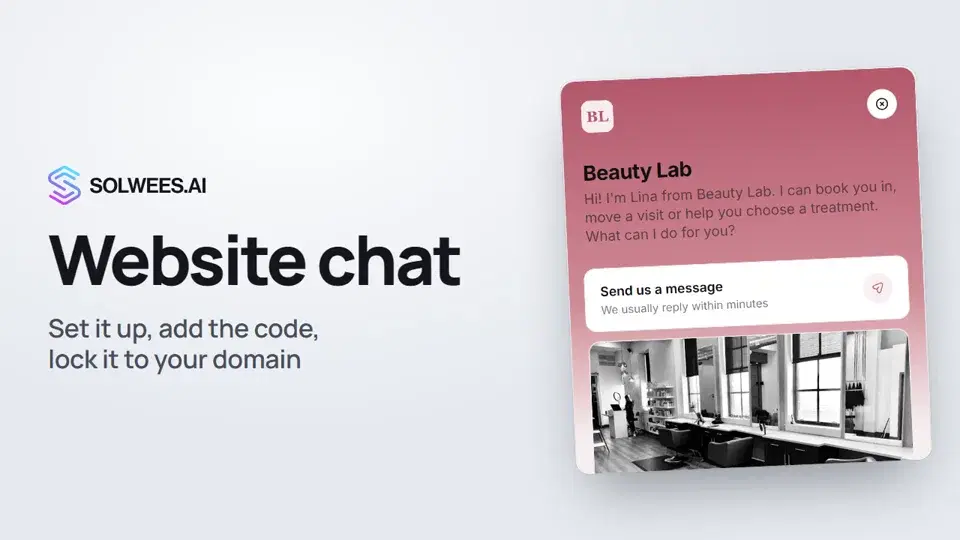 Website chat: how to set it up and install itHow to add the Solwees chat to your website: languages, visitor contact, welcome message, appearance, chat button, the install code and allowed domains. Visitors write in the chat and the AI assistant replies right away.1:52
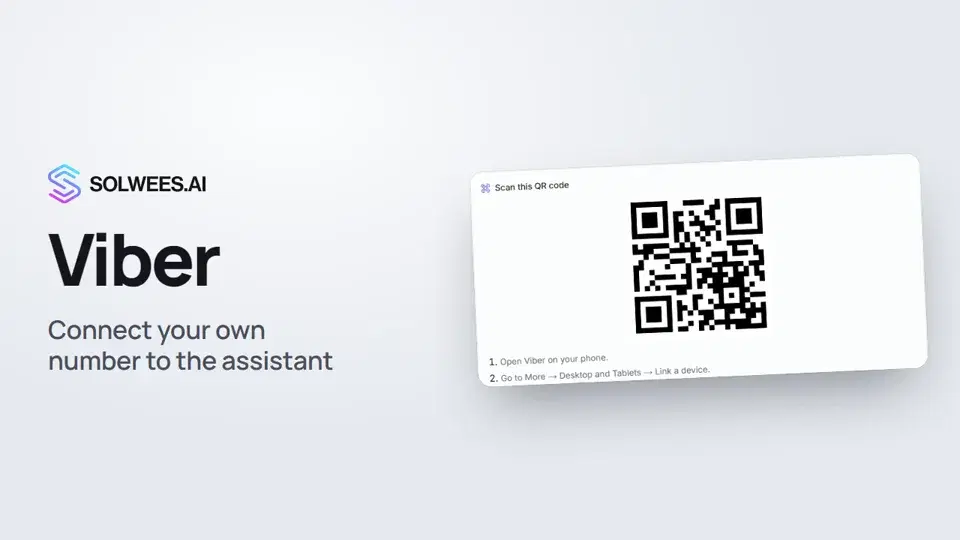 Viber: how to connect your own number to the assistantHow to connect Viber to Solwees so the AI assistant replies to your clients: paying for the channel, display name and AI agent, Connect number and linking with a QR code in Viber.1:11
Still need help?
Ask Sola in your dashboard
The assistant button in the corner of any dashboard page knows every setting and shows you where it is.
Open the dashboard