
Clients, affaires et tâches
La fiche client, l’import, la liste d’attente, le tableau des affaires, les pipelines et les tâches.
7 articles · 7 vidéos
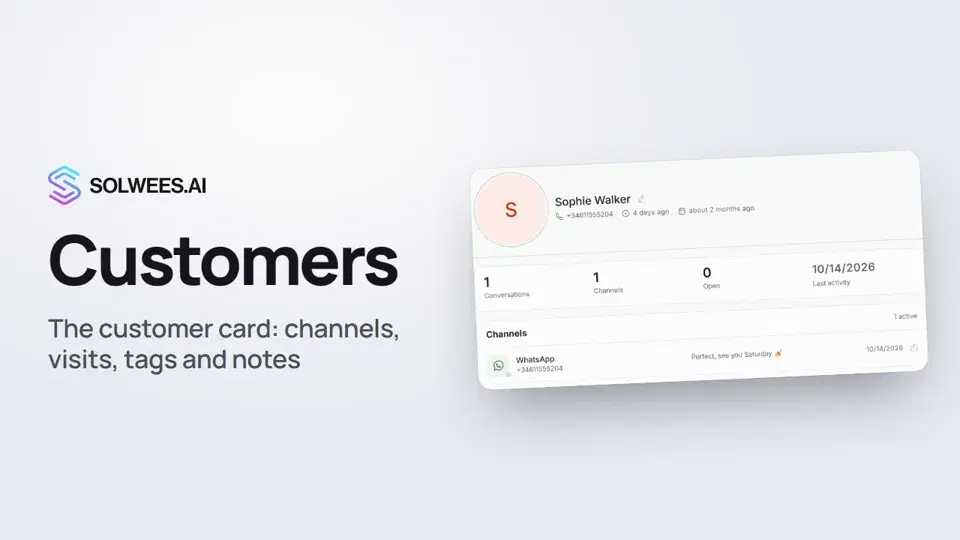 Customers and the customer cardHow to work with Customers in Solwees: finding a client, the card with channels and Start chat, details, the visit history from your CRM with the average per visit, tags and team notes.1:19
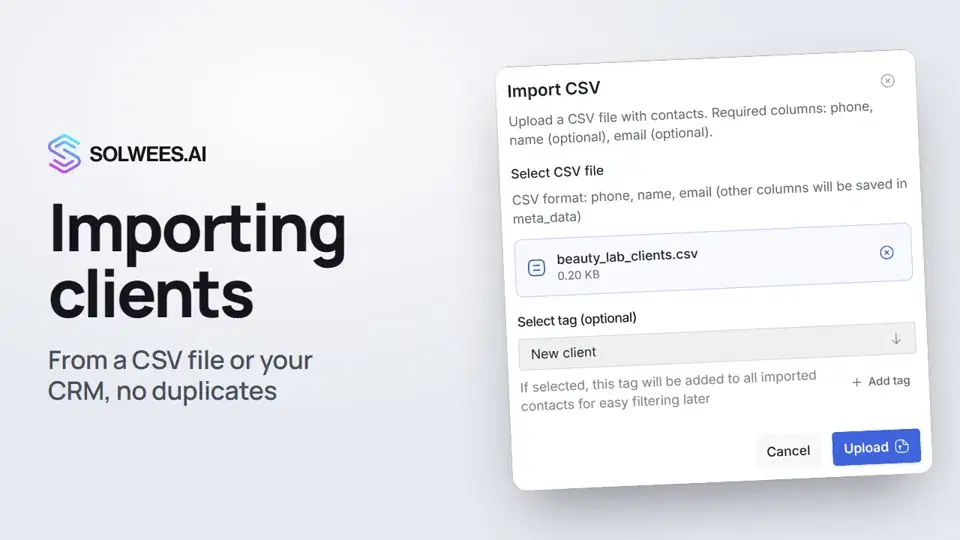 Importing clients: from a CSV file or from your CRMHow to bring your client base into Solwees: upload a CSV file with names, phones and emails, or pull clients with their visit history from a connected Altegio. Clients with the same phone are updated, never duplicated.0:57
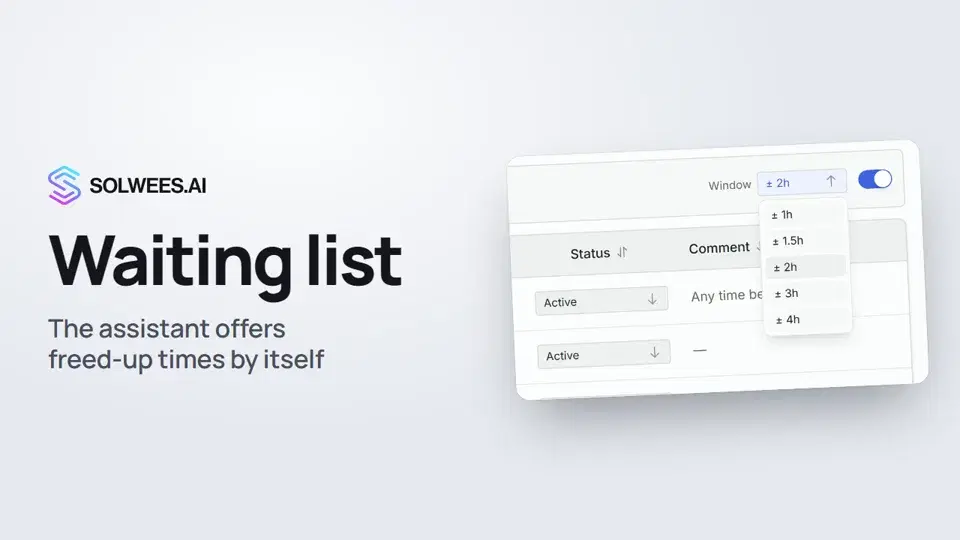 Waiting list: the assistant offers a freed-up time by itselfHow the waiting list works in Solwees: the assistant adds clients when the time they want is taken, and with AI auto-rebooking on it offers them a freed-up time by itself.0:54
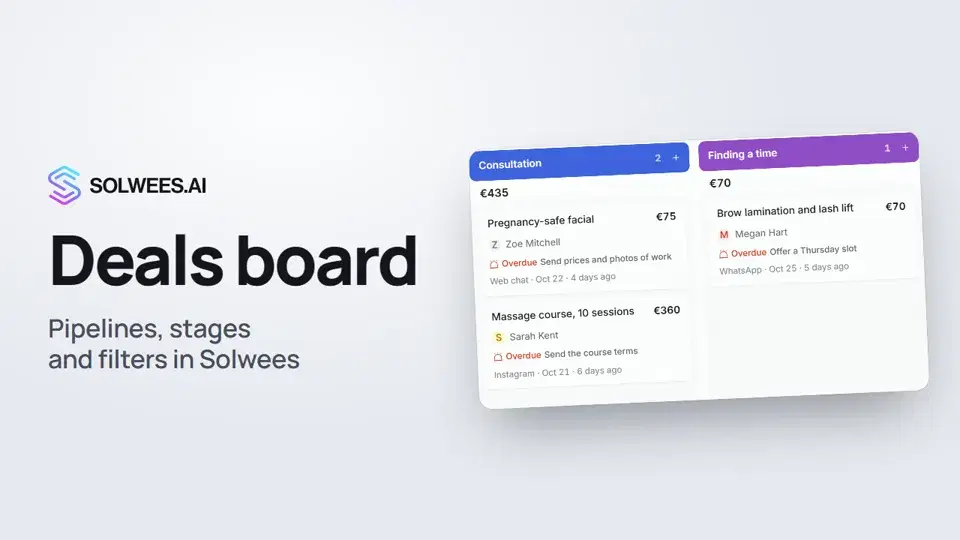 Deals: the boardHow to work with the deals board in Solwees: switch pipelines, add a quick deal, drag cards between stages, find overdue deals and view them as a list.1:28
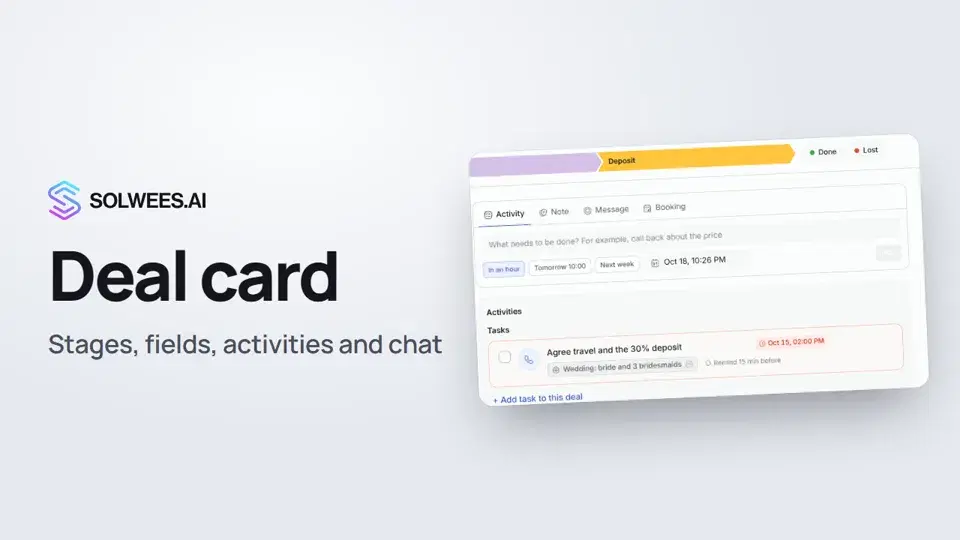 The deal card: stage, fields, activities and chat in one placeHow to work with a deal card in the Solwees CRM: move the deal to another stage, change the amount and your own fields, plan an activity, leave a note, message the client, open the chat and close the deal as won or lost.1:15
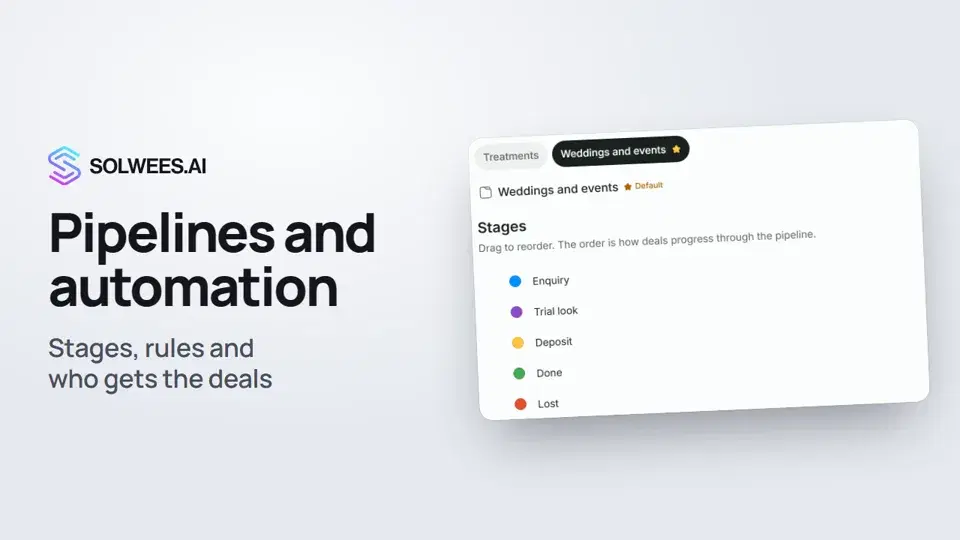 Pipelines and automation: stages, rules and who gets the dealsHow to set up pipelines in Solwees: deal stages, the main pipeline, the rules that move a deal to the right stage on their own, and who gets new deals.1:27
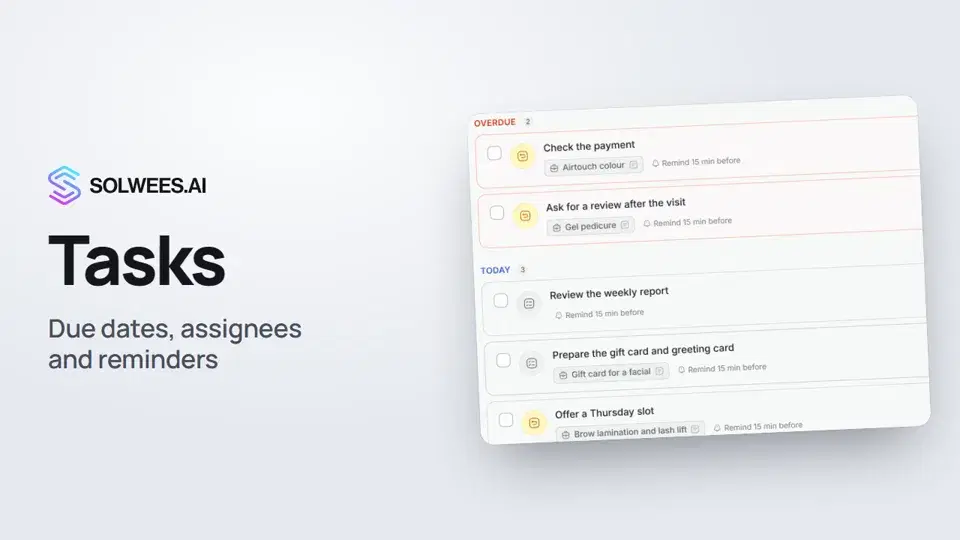 Tasks: due dates, assignees and remindersHow to set tasks for your team in Solwees: add a task in one line, pick the due time and the assignee, get a reminder in the dashboard and in Telegram, snooze or complete a task.1:11
Besoin d’aide ?
Demandez à Sola dans votre tableau de bord
Le bouton de l’assistant, dans le coin de chaque page du tableau de bord, connaît chaque réglage et vous montre où il se trouve.
Ouvrir le tableau de bord