
Canaux
WhatsApp, Instagram, Telegram, le chat du site et un numéro de téléphone pour l’assistant.
8 articles · 6 vidéos
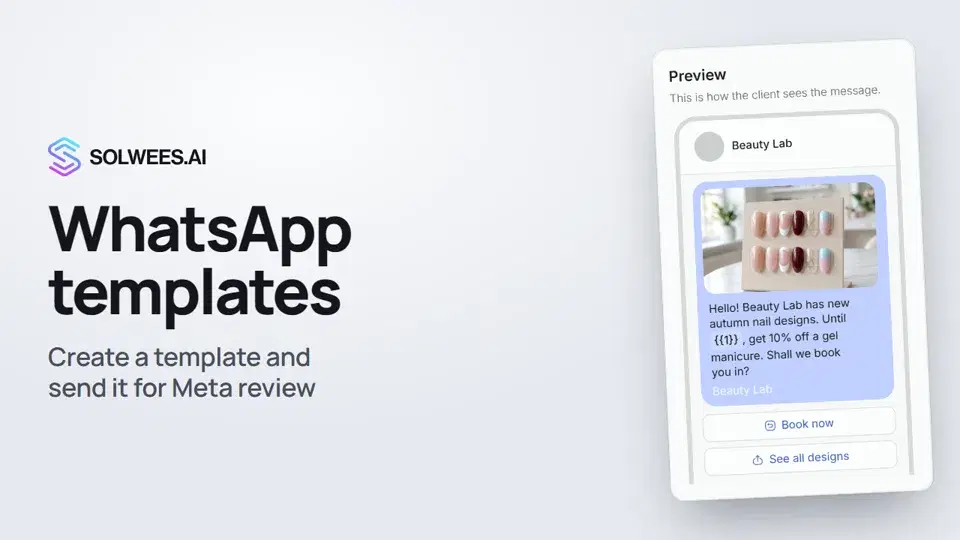 WhatsApp templates: messages approved by MetaHow to create a WhatsApp template in Solwees and send it for Meta review: category, language, image, variables in the text and buttons. You need a template to message a client who hasn't written to you for more than 24 hours.1:30
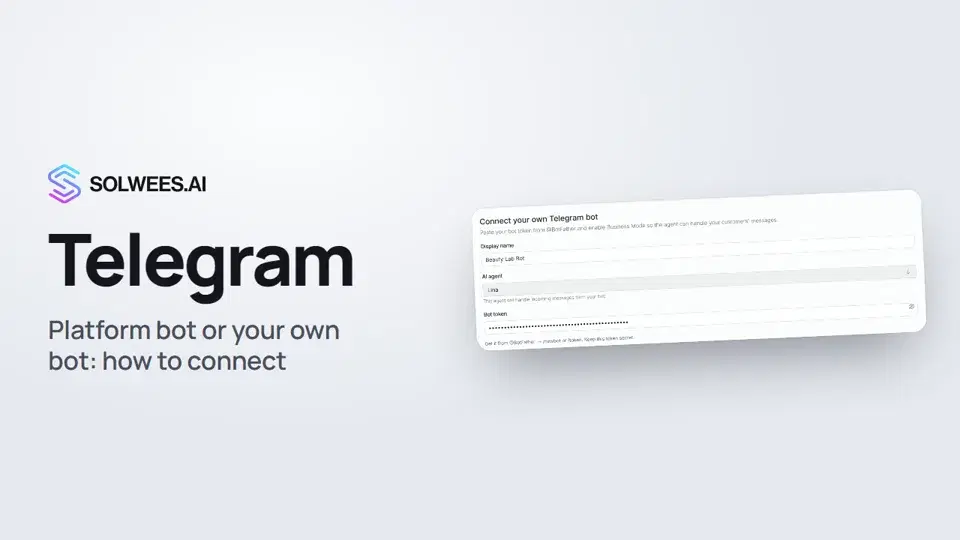 Telegram: how to connect the assistantHow to connect Telegram to Solwees so the AI assistant replies to your clients: through the platform bot and Telegram Business, or through your own bot with a token from BotFather.1:31
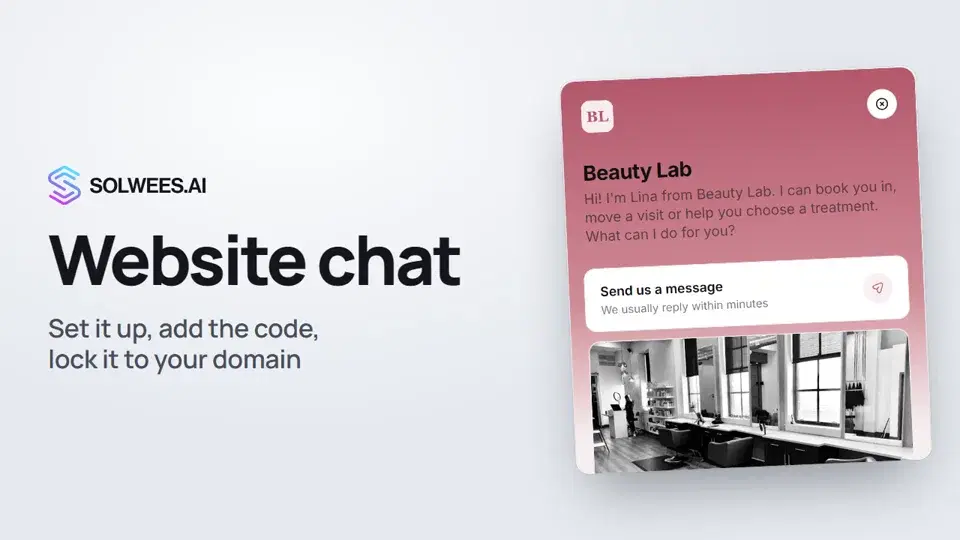 Website chat: how to set it up and install itHow to add the Solwees chat to your website: languages, visitor contact, welcome message, appearance, chat button, the install code and allowed domains. Visitors write in the chat and the AI assistant replies right away.1:52
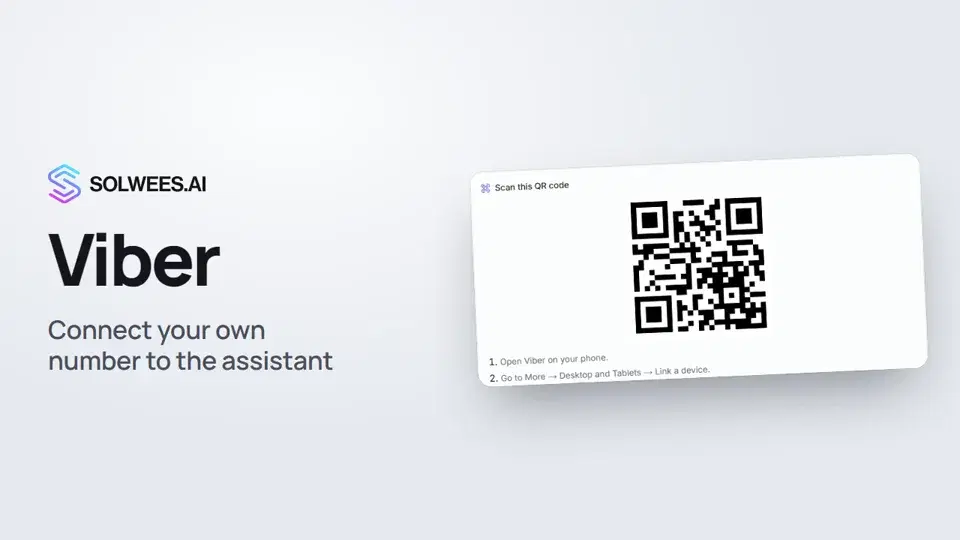 Viber: how to connect your own number to the assistantHow to connect Viber to Solwees so the AI assistant replies to your clients: paying for the channel, display name and AI agent, Connect number and linking with a QR code in Viber.1:11
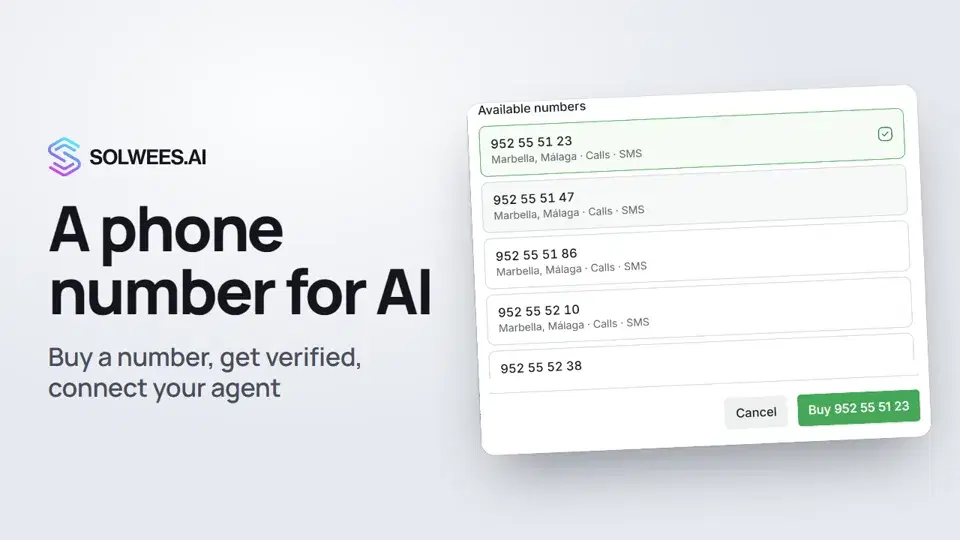 Phone: a number for the assistantHow to buy a phone number for your AI receptionist in Solwees: applicant verification and documents, choosing a number, assigning an agent, call recording and transcription.1:56
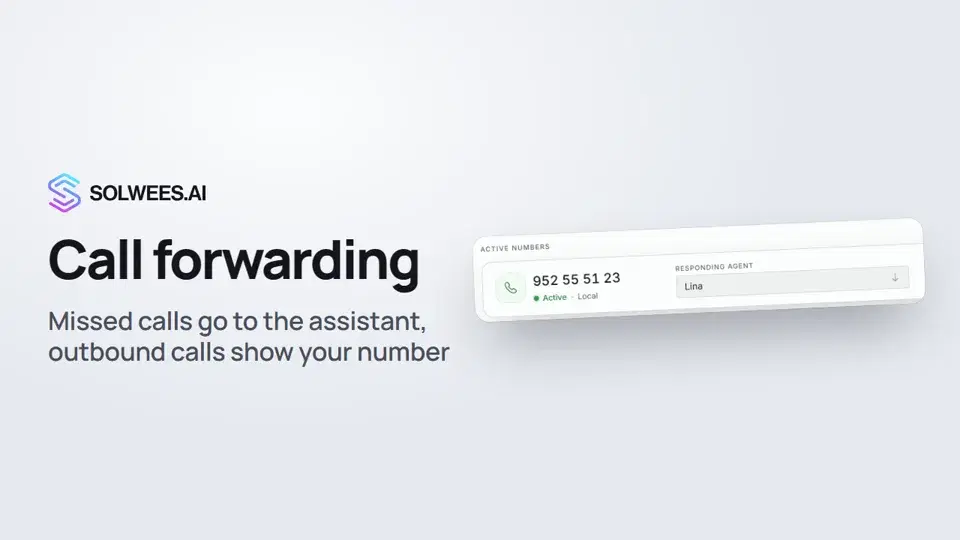 Call forwarding and your own numberHow to forward missed calls to your Solwees number so the AI receptionist answers them, connect a SIP trunk so outbound calls show your own number, and set the manager phone for SMS alerts.1:45
- Connecter WhatsAppDeux façons de connecter votre numéro, et ce que chacune implique pour votre équipe.Guide écrit
- Connecter Instagram, Telegram et vos autres canauxOù se connecte chaque canal et ce qu'il faut savoir à son sujet.Guide écrit
Besoin d’aide ?
Demandez à Sola dans votre tableau de bord
Le bouton de l’assistant, dans le coin de chaque page du tableau de bord, connaît chaque réglage et vous montre où il se trouve.
Ouvrir le tableau de bord