
Languages the assistant speaks
AI assistant and knowledge baseUpdated 4 October 2026
The 38 languages, and how to choose the ones your assistant uses.
The assistant works in 38 languages: English, Spanish, Portuguese, Russian, Ukrainian, Turkish, German, French, Italian, Polish, Dutch, Arabic, Hebrew, Chinese, Japanese, Korean, Hindi, Thai, Greek, Romanian, Lithuanian, Latvian, Estonian, Kyrgyz, Uzbek, Tajik, Kazakh, Azerbaijani, Urdu, Czech, Slovak, Swedish, Hungarian, Georgian, Croatian, Serbian, Bosnian and Catalan.
In AI Assistant > Business Profile, choose the «Greeting language» and the «Allowed languages», up to five. With «Reply only in the allowed languages» on, the assistant doesn’t switch to any other language.
A returning client is greeted in the language of their last conversation. For a new caller, the phone number can suggest the language if it is one of the allowed ones.
An assistant whose main language is Ukrainian never answers in Russian.
Did this answer your question?
More in this topic
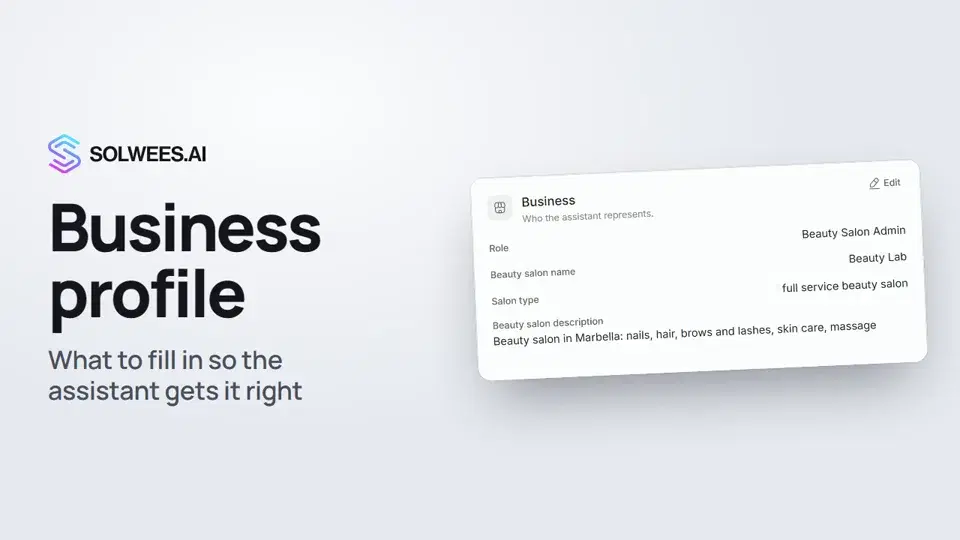 Business profile: what the assistant knows about your companyHow to fill in your business profile in Solwees so the AI receptionist answers clients accurately: name, language, contacts, address, working hours and the assistant's persona.1:35
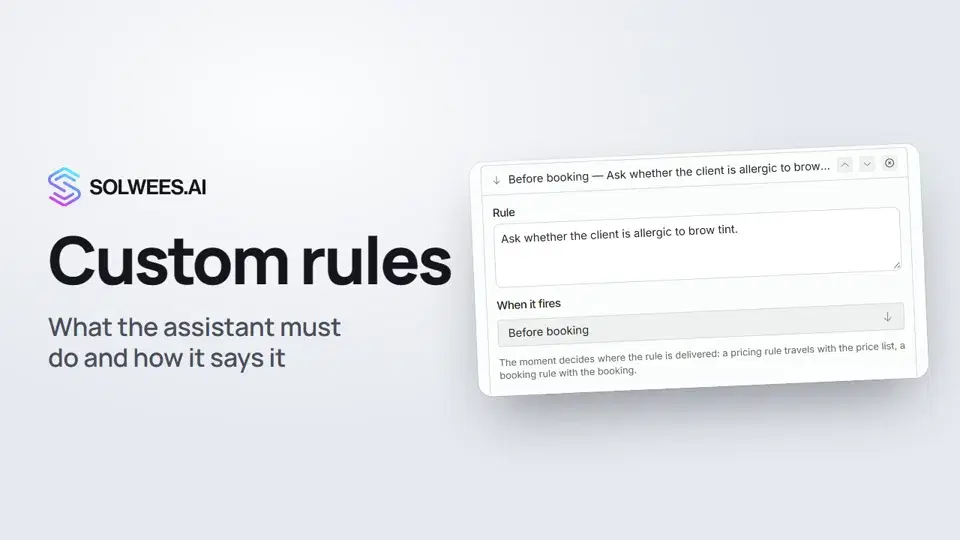 Custom rules and wordingHow to give the Solwees AI receptionist mandatory rules and wording: rules by moment, general rules and ready-made speaking styles for the key moments of a conversation.1:14
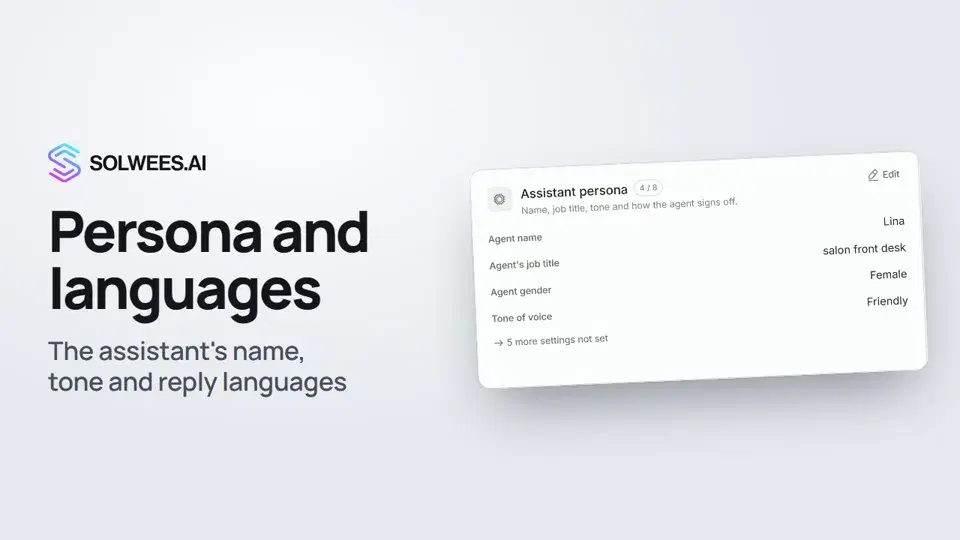 Persona and languages: how the assistant introduces itself and which languages it speaksHow to set the greeting language, allowed languages, name, job title, gender, tone of voice and closing lines of your Solwees AI receptionist in the Language and Assistant persona cards.1:22
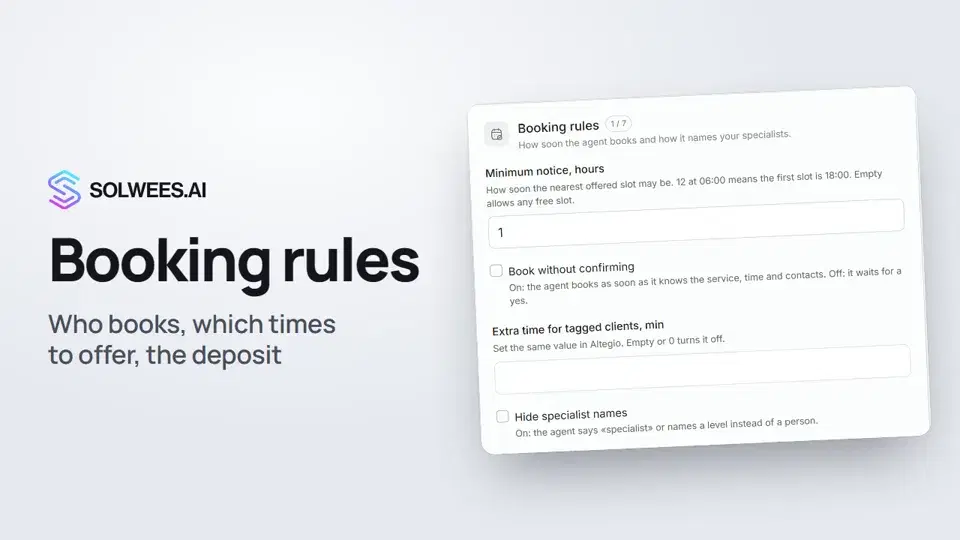 Booking rules: how the assistant books your clientsHow to set up booking rules for the Solwees AI receptionist: who makes the appointment, which windows it offers, what it says about a deposit, 4 and 6 hands services and add-on offers.1:38
Still need help?
Ask Sola in your dashboard
The assistant button in the corner of any dashboard page knows every setting and shows you where it is.
Open the dashboard